Cricut Machines



Filters
- Vinyl (187)
- Digital Crafting Mats (17)
- Digital Crafting Blades (15)
- Tools (11)
- Digital Crafting Machines (10)
- Digital Crafting Pens (15)
- Digital Crafting Accessories (11)
- View more
- Heat Presses (7)
- Transfer Tape (12)
- Digital Crafting Blanks (9)
- Transfer Sheets (14)
- Craft Blanks (8)
- Cards & Envelopes (3)
- Books (2)
- Card & Envelopes (2)
- Craft Knives (1)
- Embossing Folders (1)
- Light Boxes (1)
- Non Heat Vinyl and Foil (1)
- Paper Packs (1)
Viewing 1 - 48 of 328 Products
Viewing 1 - 48 of 328 Products











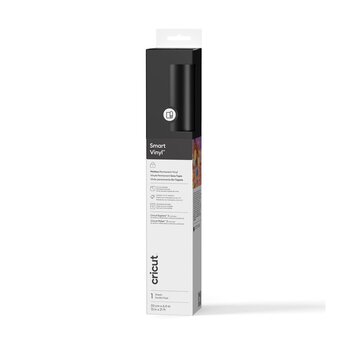

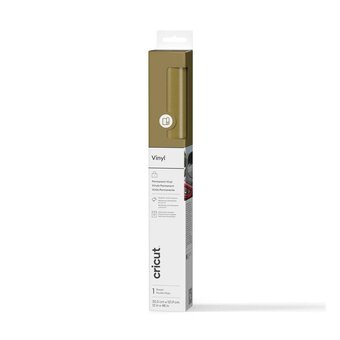
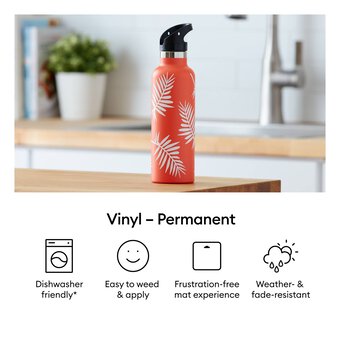
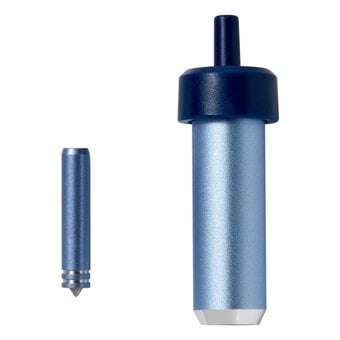
FAQs About Cricut Machines
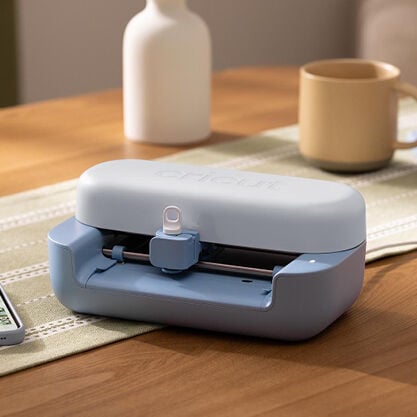
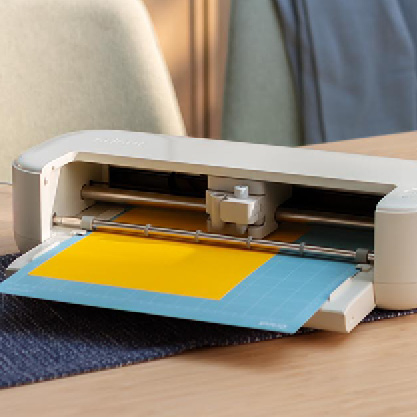
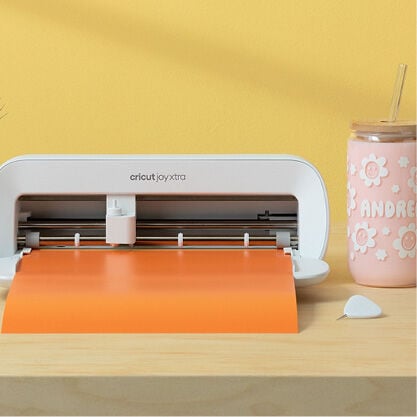
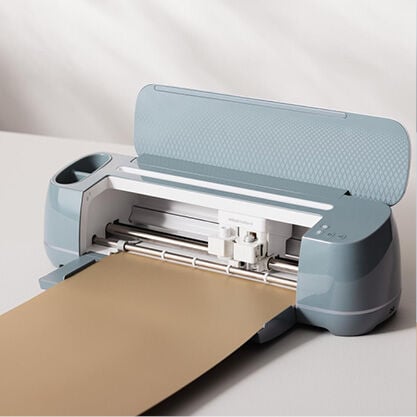
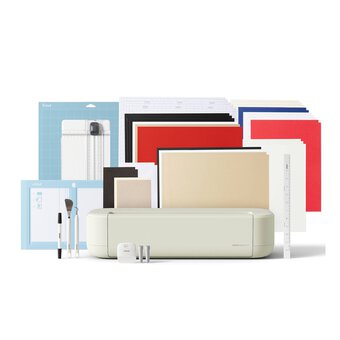
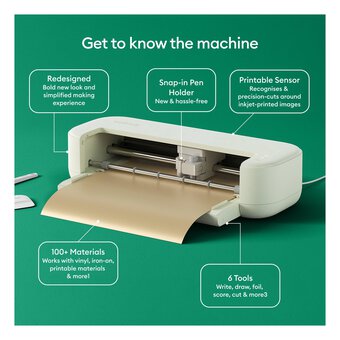
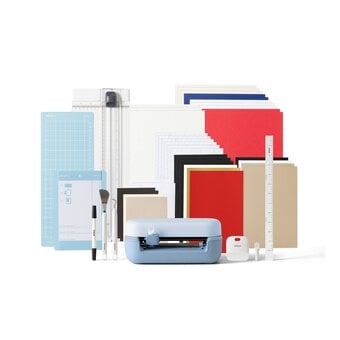
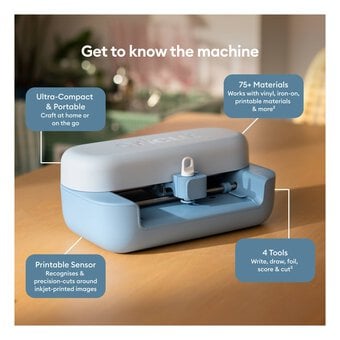
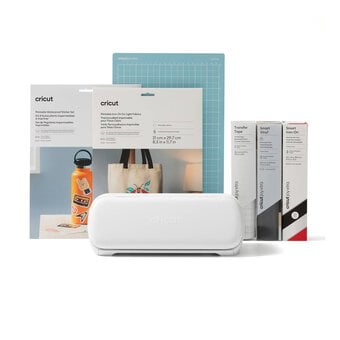
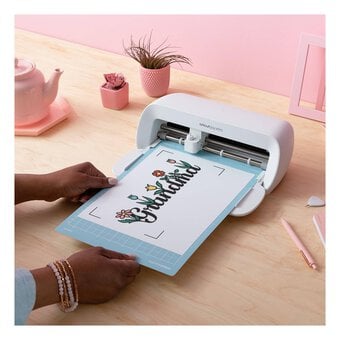
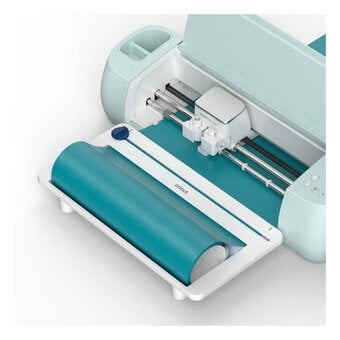
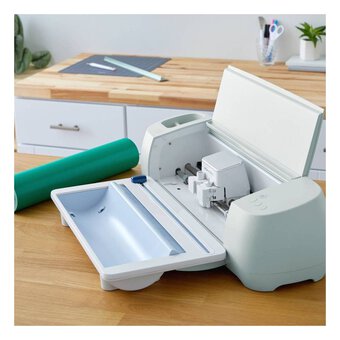
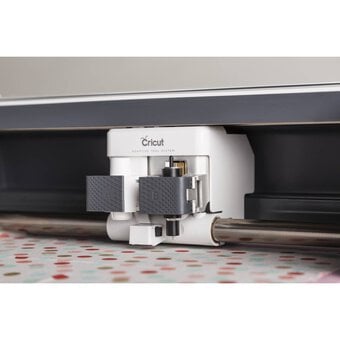
A Cricut machine is an electronic cutting tool used for crafting, scrapbooking, and DIY projects. It cuts a variety of materials like paper, vinyl, fabric, and more, based on designs created in Cricut's software.
Cricut machines can cut paper, cardstock, vinyl, fabric, iron-on transfers, leather, foam, and even wood, depending on the blade and settings used. Always check compatibility for specific materials.
To set up a Cricut machine, download the Cricut Design Space software, connect your machine via Bluetooth or USB, and follow the on-screen instructions to complete the setup process.
Yes, you can use your Cricut machine without a subscription. The Cricut Design Space app offers free projects and fonts, though Cricut Access provides additional designs and tools for a monthly fee.
Cricut Design Space is the software used to create, customise, and send designs to your Cricut machine. It allows you to upload images, access pre-made templates, and modify designs.
To maintain your Cricut machine, regularly clean the cutting mat, replace worn blades, update software, and store the machine in a dust-free environment. Follow the manufacturer's care guidelines for best performance.
Related Products
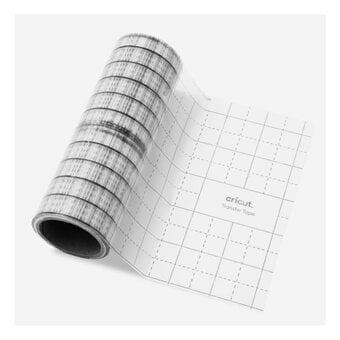
Is £14.00
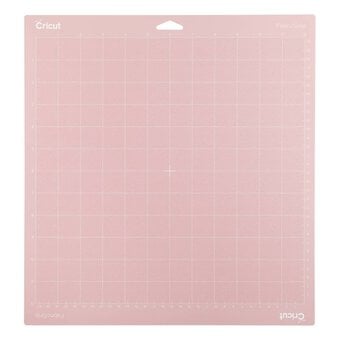
Is £9.00
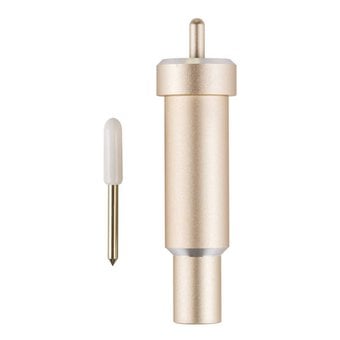
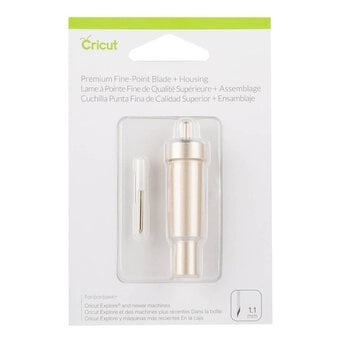
Is £31.00
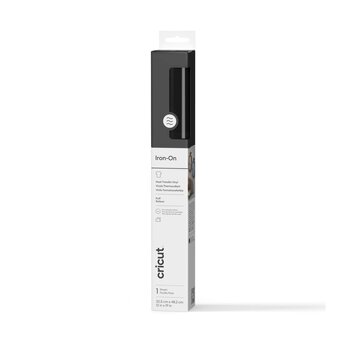

Is £15.00
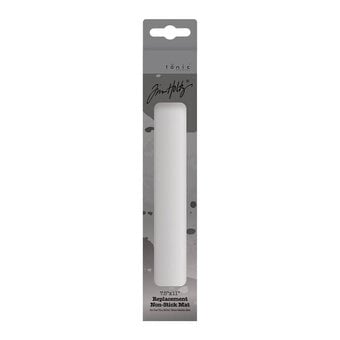
Is £8.00
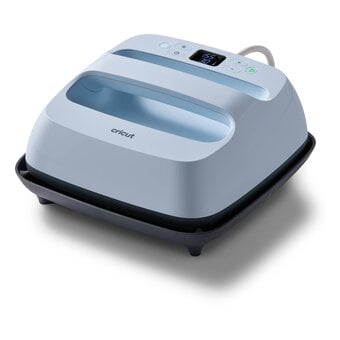
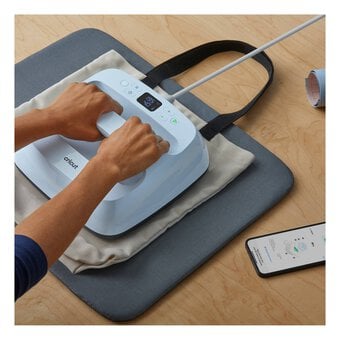
Is £149.00
Oops...
Sorry, we did not find any products that match the
selected filters. You can go back to previous results to
select something different.