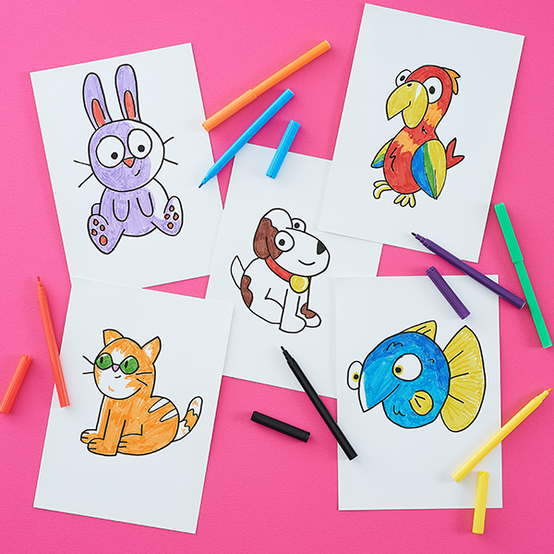
5 Fun & Easy Drawing Ideas for Kids
Get kids crafting with these five easy drawing projects!
With simple step-by-step instructions, they’ll learn how to illustrate animals using pencils and felt tips.
From family favourites like cats and dogs to colourful characters like parrots, these fun drawing ideas are a great way to boost creativity and build artistic confidence for your little ones.

You will need


5 Fun & Easy Drawing Ideas for Kids
You Will Need
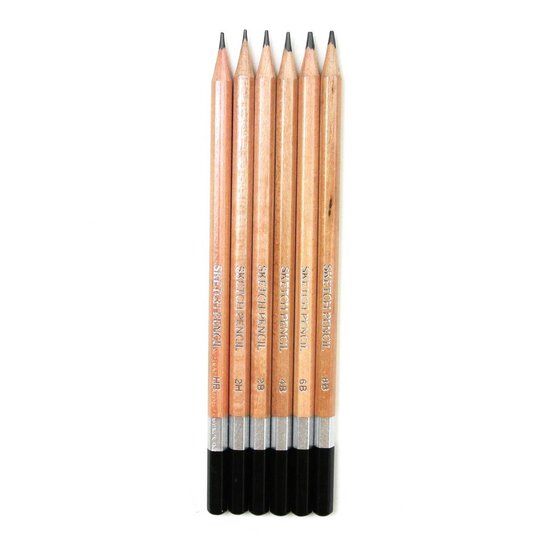
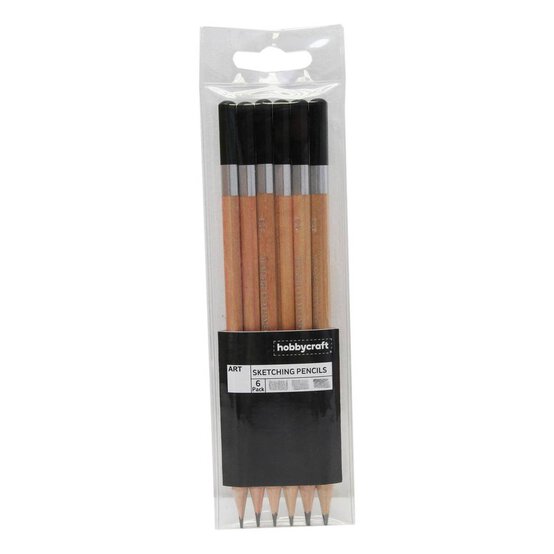
* Sketching Pencils
* Paper or Card
* Felt Tip Pens
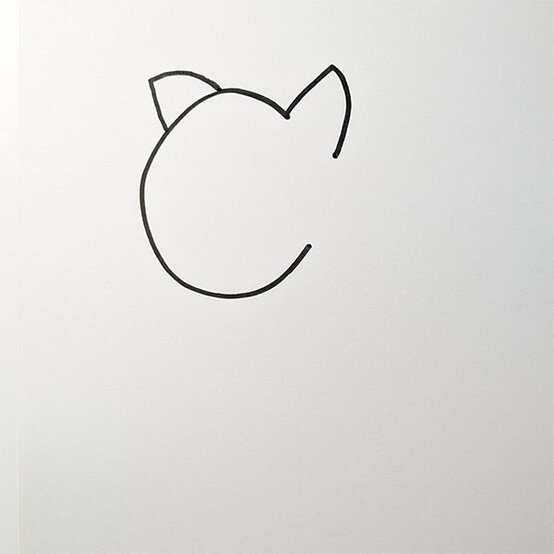
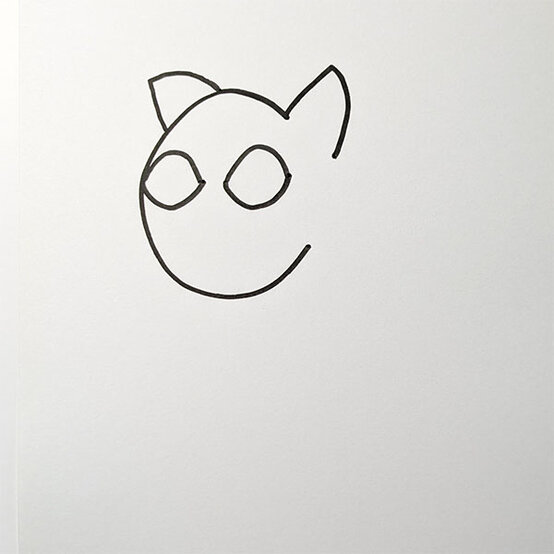
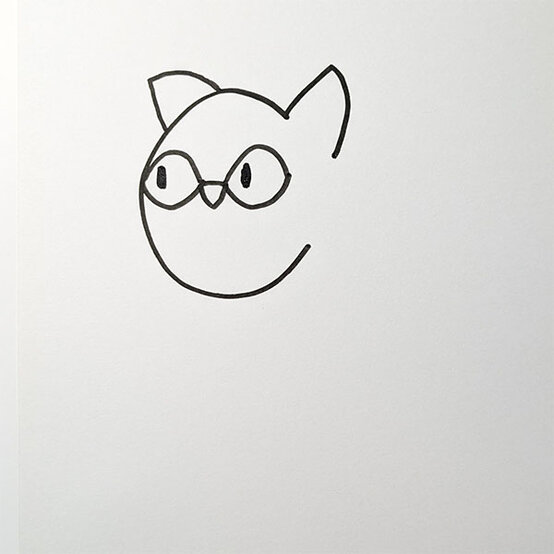
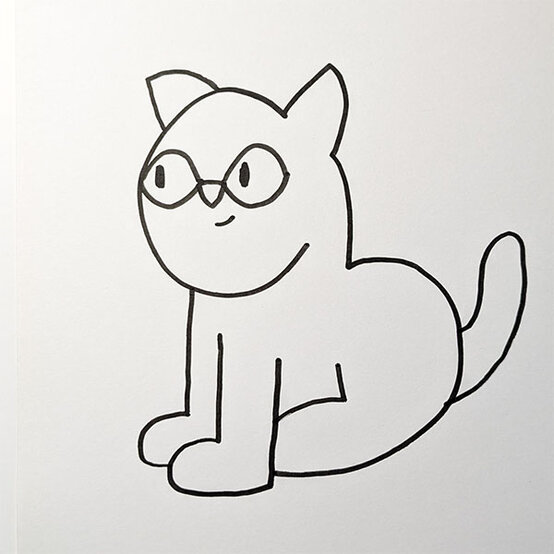
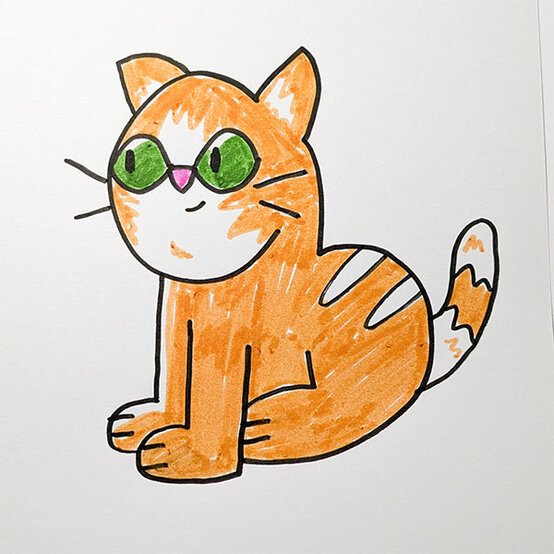
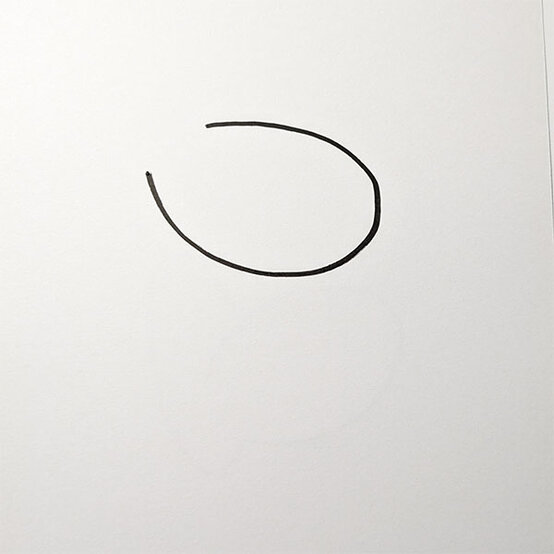
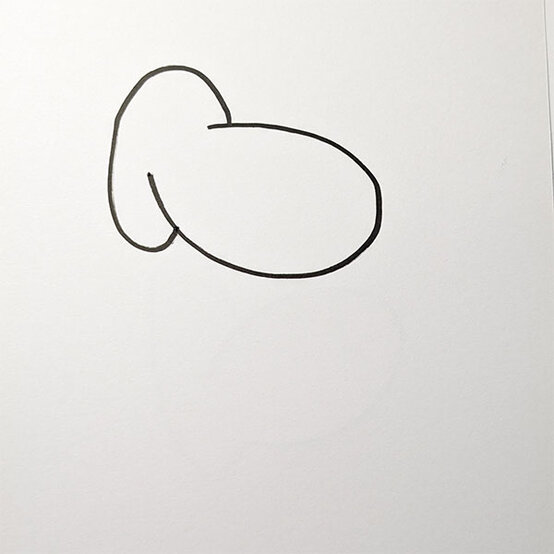
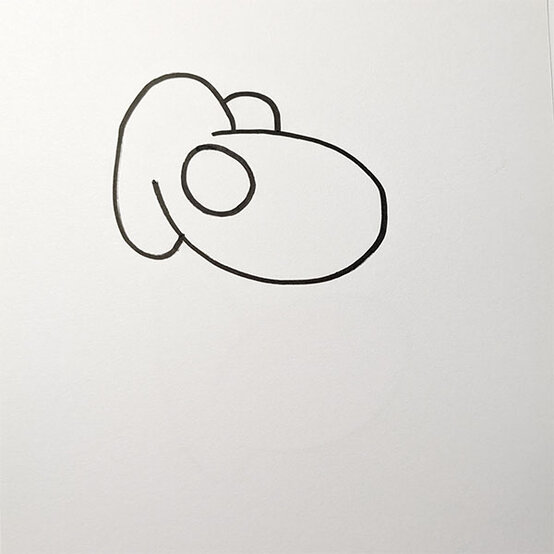
For the cat eye draw a sideways lemon shape, one touching the side of the face and one further into the head.
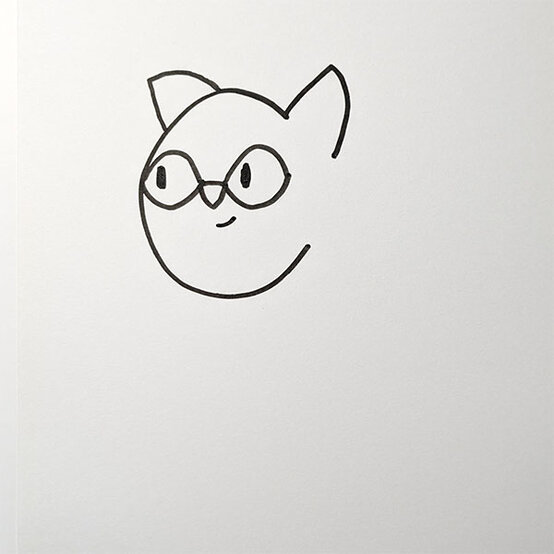
Add a small upside-down triangle and a small line for the nose and mouth.
To draw the closest leg, start with a downward line and create a ‘d’ shape, finishing with the upward line.
Then, draw another downward line and curve to create the furthest leg.
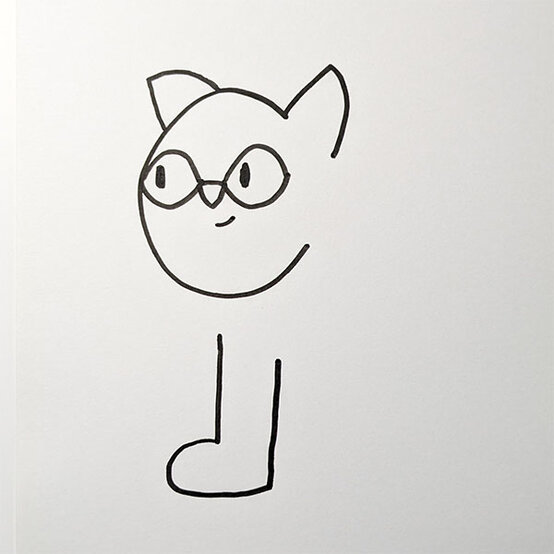
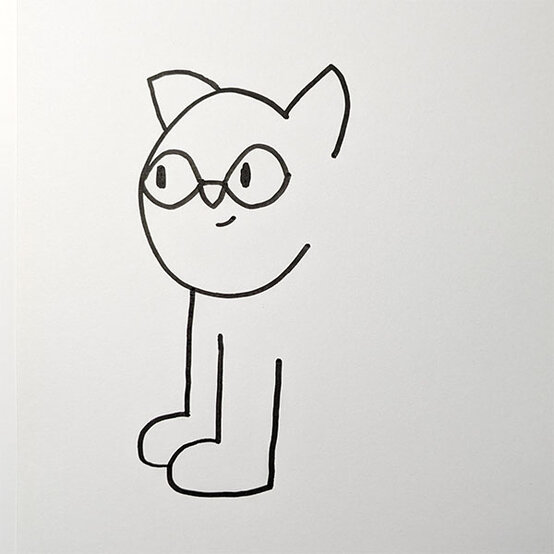
Add a small downward line from the ear to create a neck.
Draw a curve connecting the cat’s neck and leg to create the body.
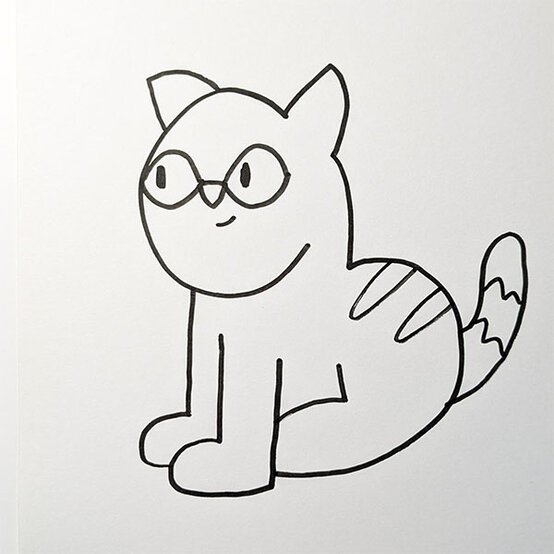
Add in the back leg using the same methods used on step 3.
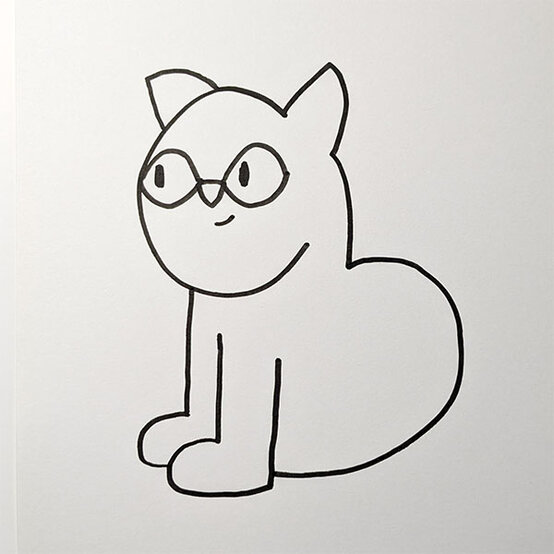
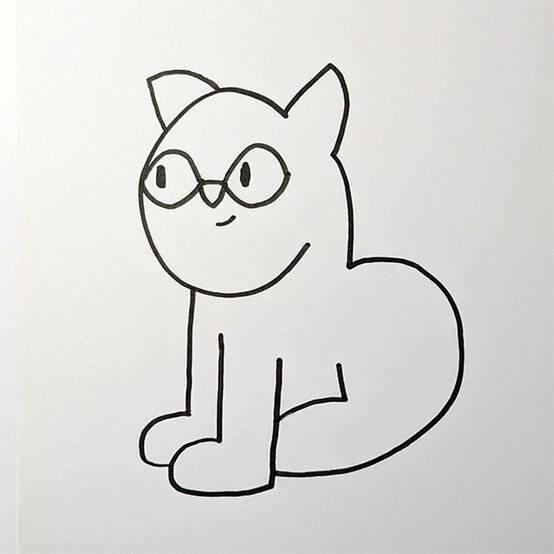
Add the tail using a curved line and add details and markings to the cat’s tail and body.
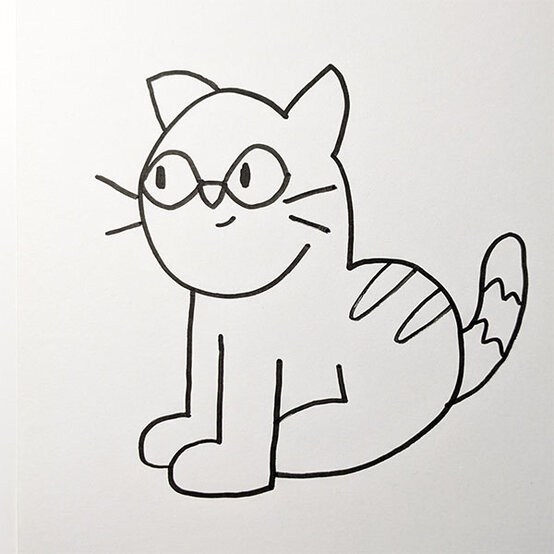
Add two lines on each side of the face to create the whiskers.
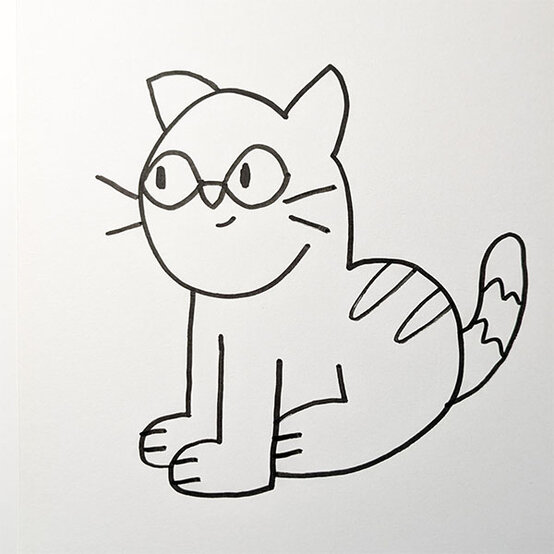
Finally add in any more details you wish and colour in your favourite cat colours. You can always add marking whilst colouring too!
There you have your very own cat drawing!
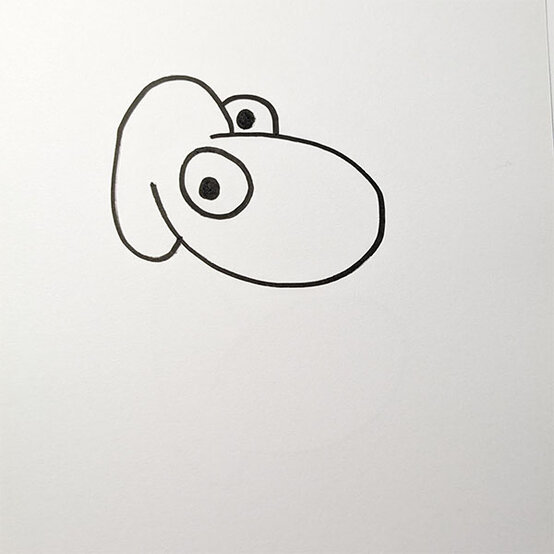
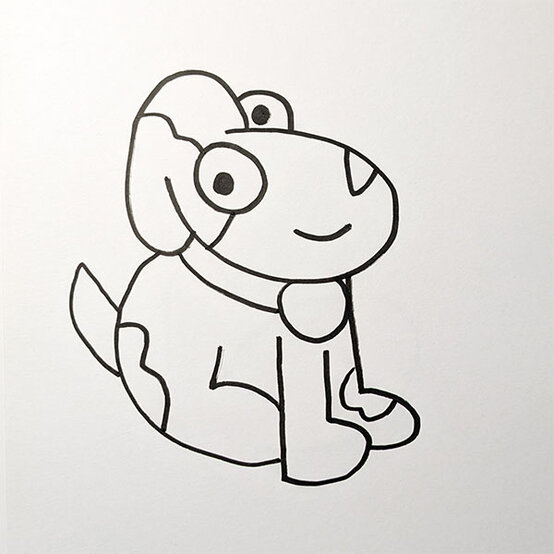
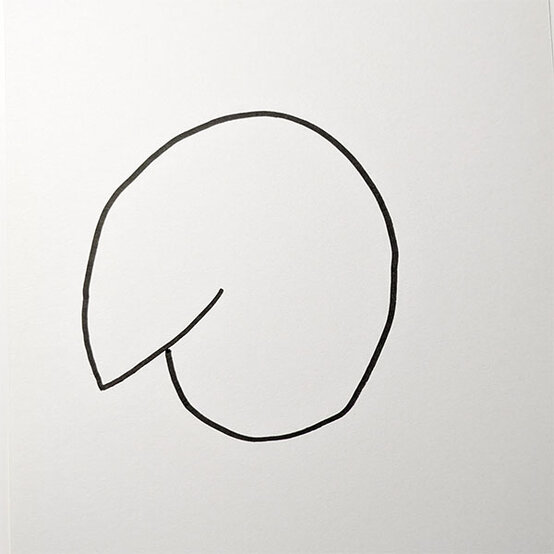
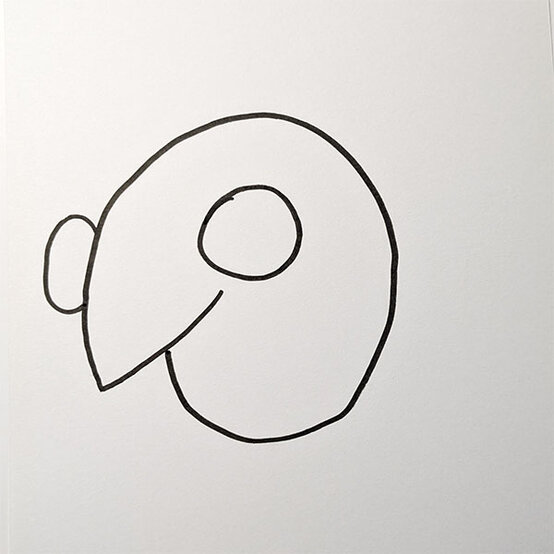
Add a semi-circle on the outside of the face and a full circle next to the ear to create the eyes.
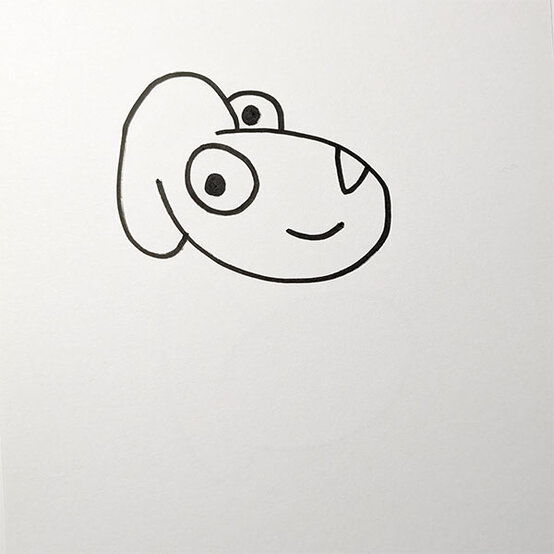
Draw an upside-down triangle for the nose and small line for the mouth.
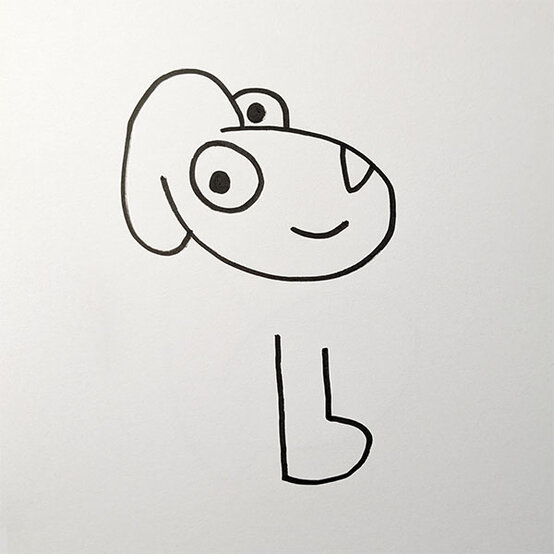
To draw the closest leg, start with a downward line and create a ‘b’ shape, finishing with the upward line.
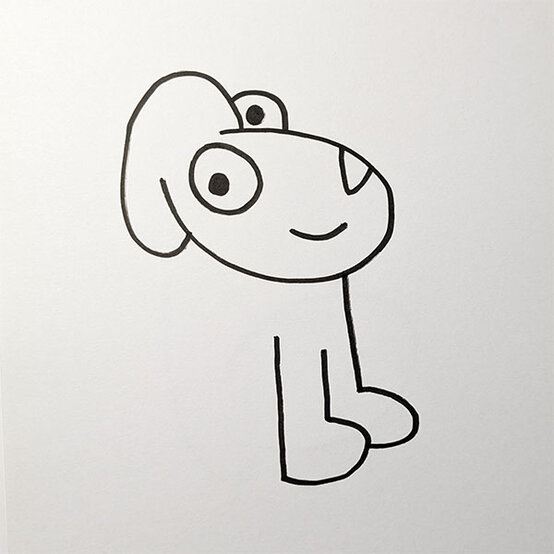
Then, draw another downward line to create the furthest leg.
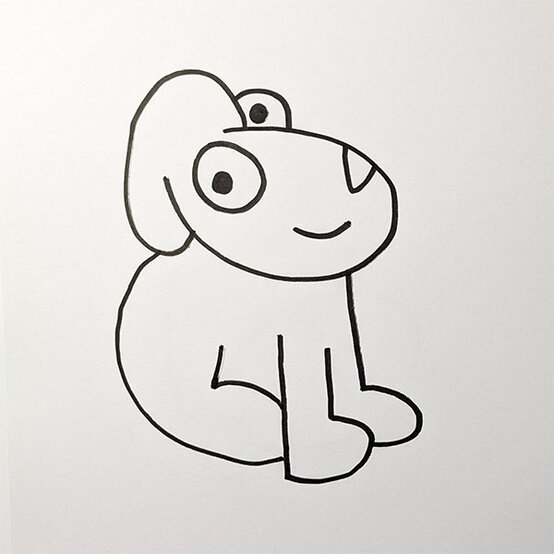
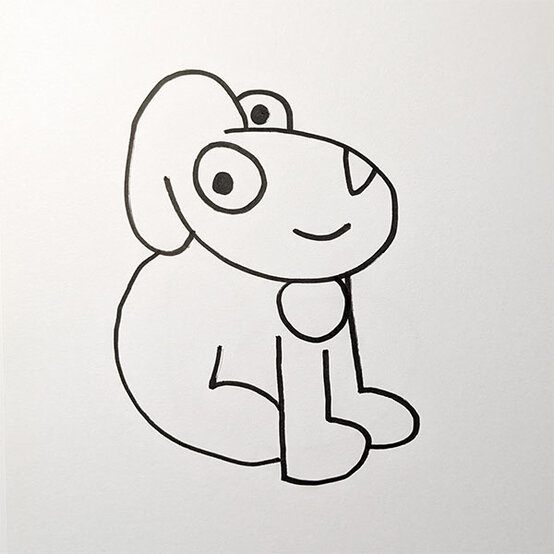
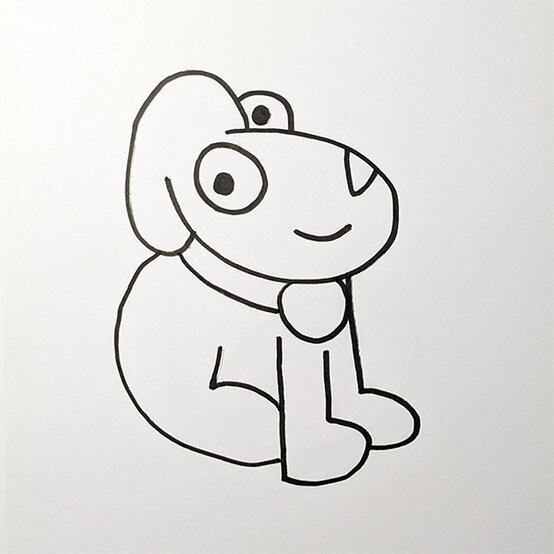
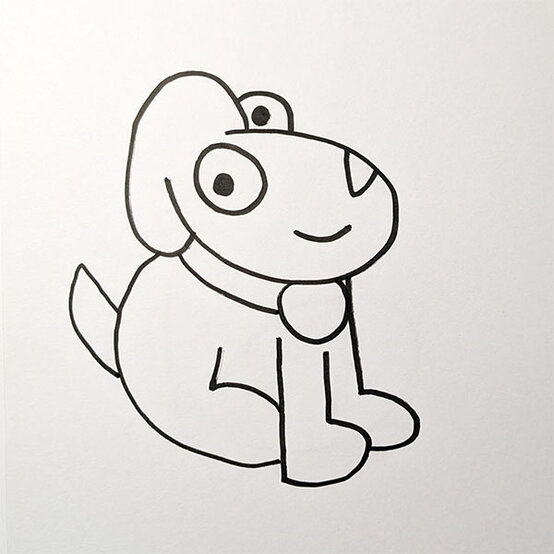
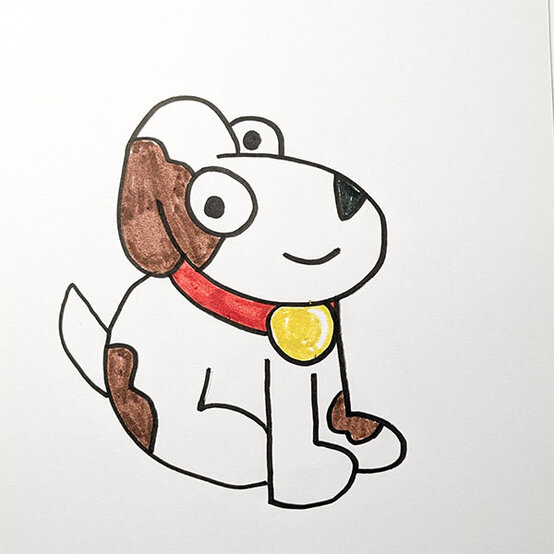
Add in any details you wish like patches and marking to give your dog more character.
Then, colour in your dog with whatever colours you wish.
There you have your very own dog drawing!
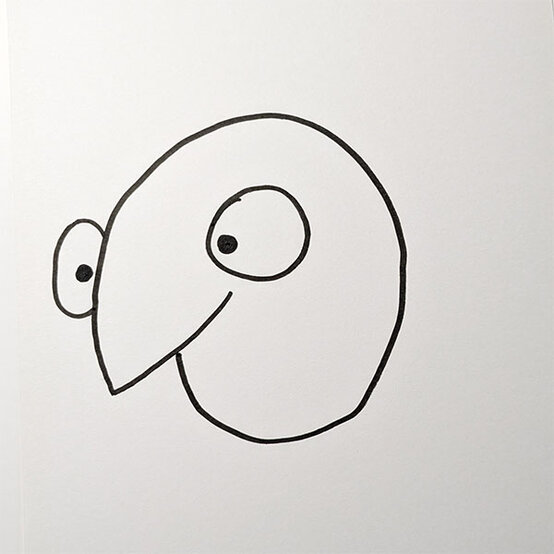
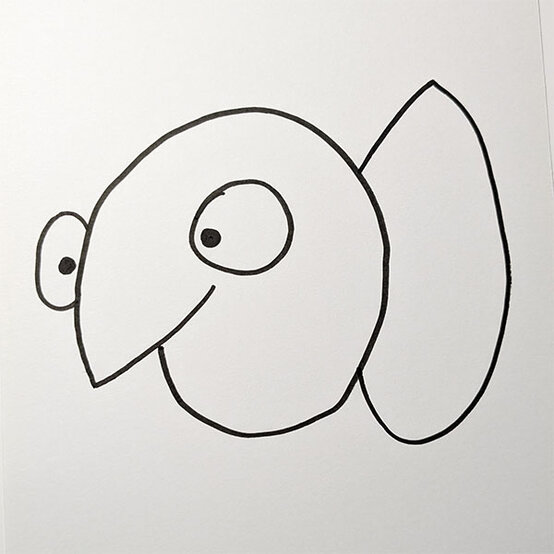
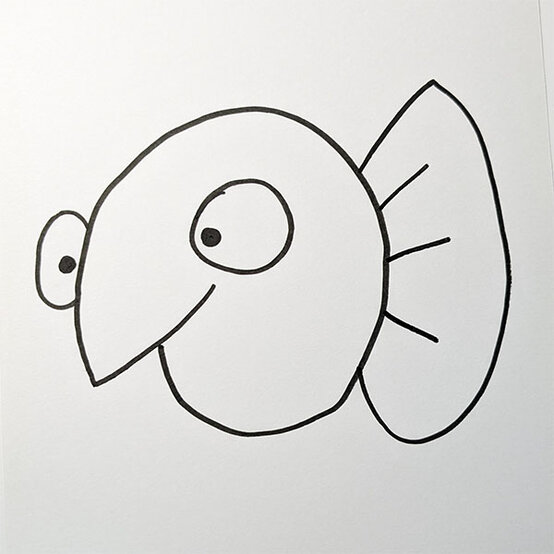
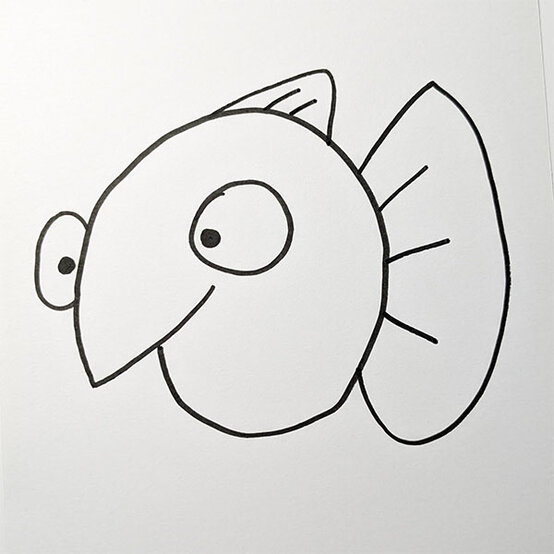
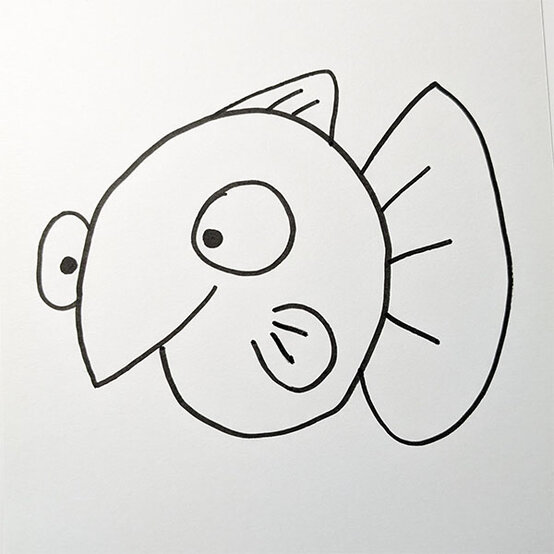
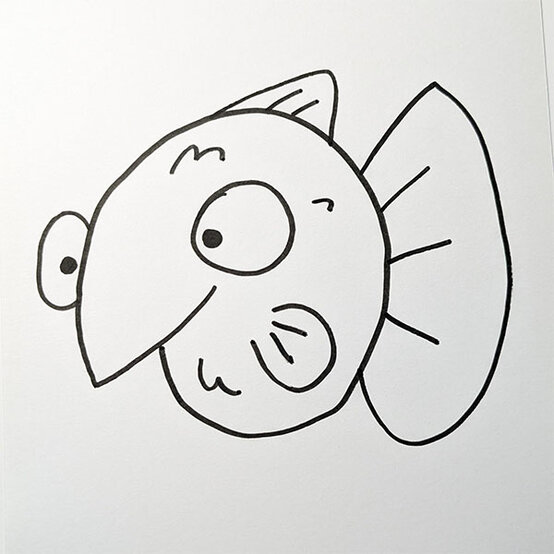
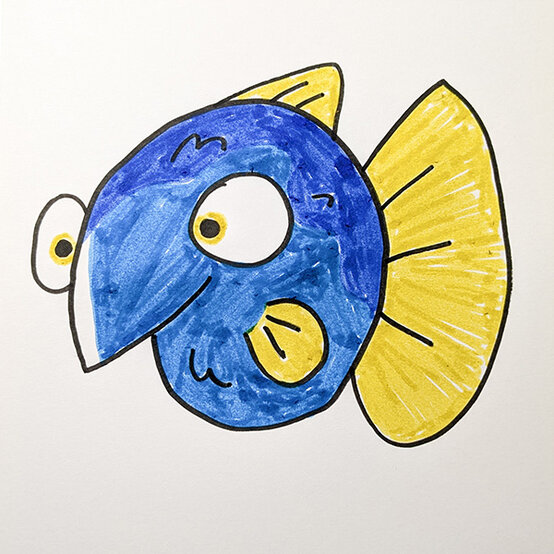
Use some curved shapes to create some fish scales on the body and then the drawing is ready for colouring!
There you have your very own fish drawing!
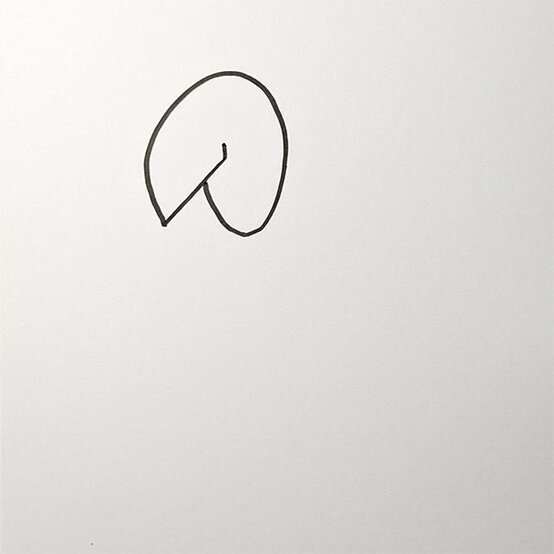
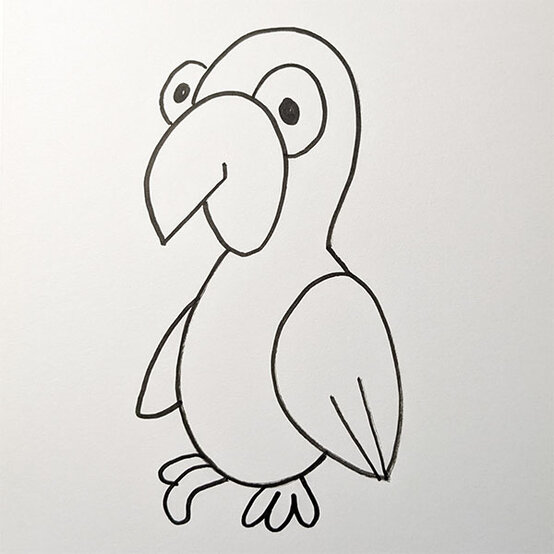
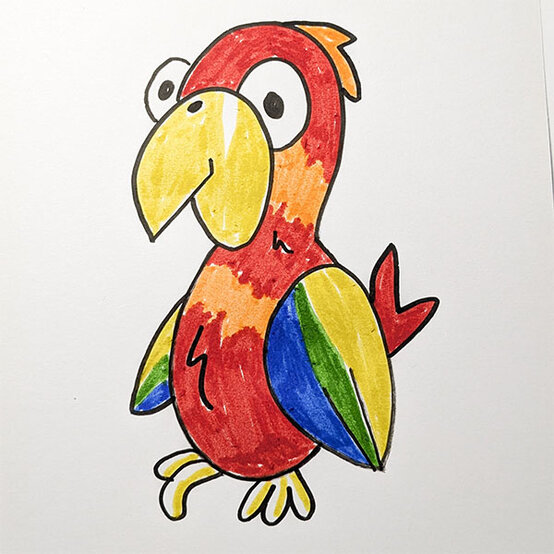
Start by drawing a ‘V’ shape to create a beak near the top of your page.
Then, slowly loop around it to create a round shape for the parrot head.
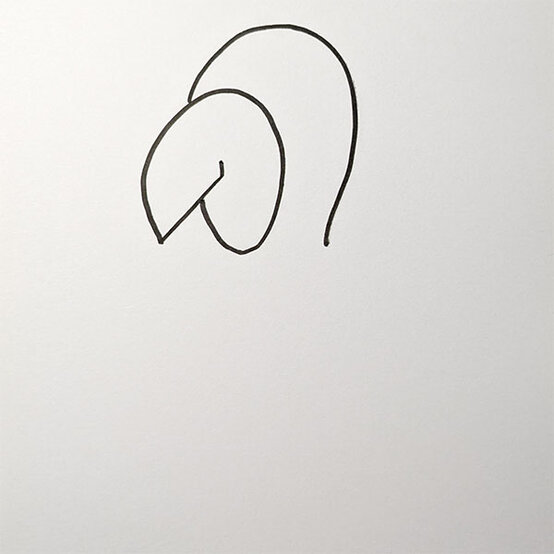
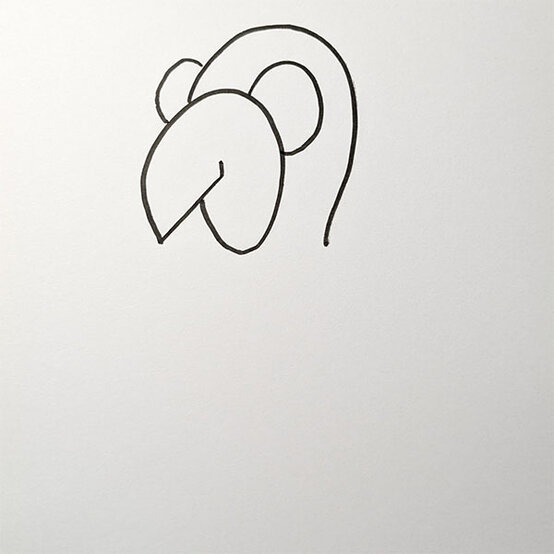
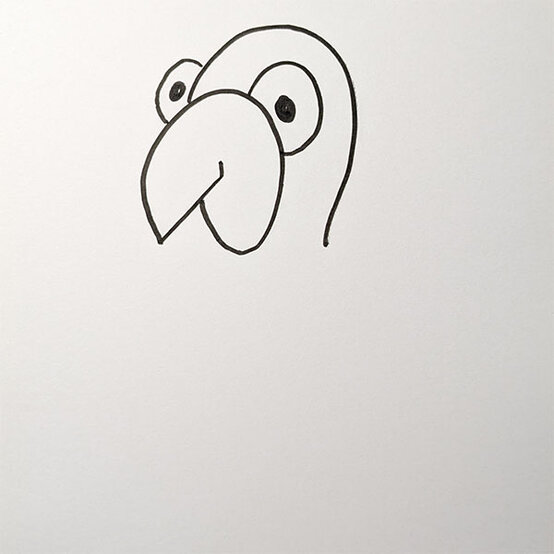
Start by drawing a curved line going downward into a point to create a wing.
Add some line details for the feathers.
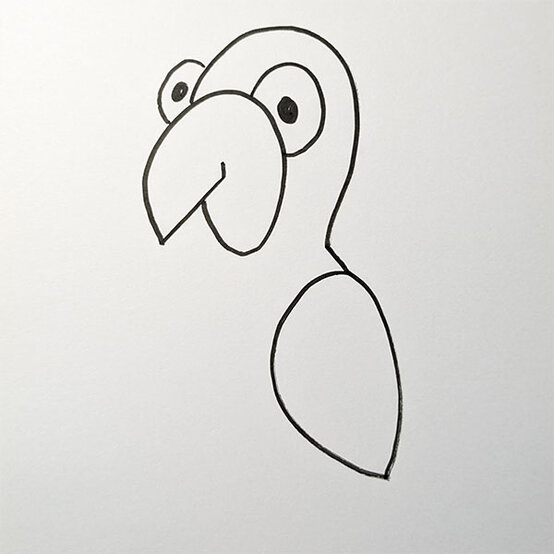
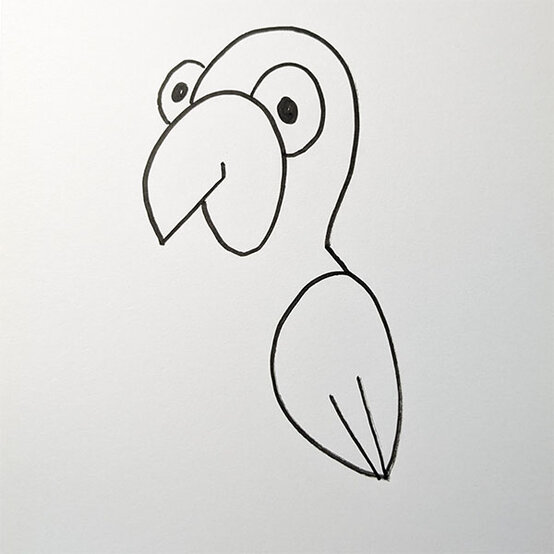
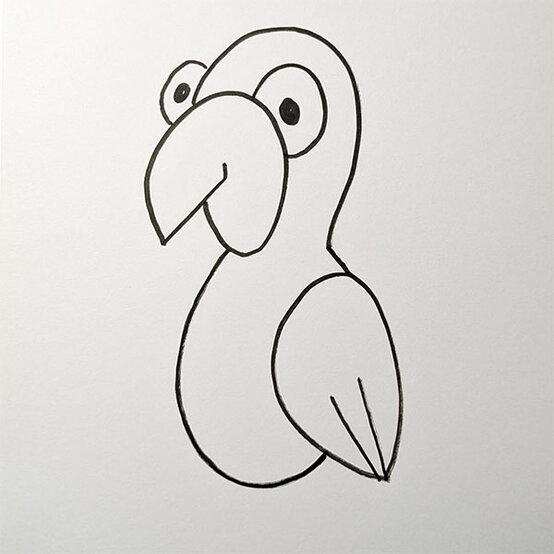
Draw a curved shape connecting the bottom of the beak to the lower half of the wing.
Then, draw the second wing on the far side of the parrot’s body.
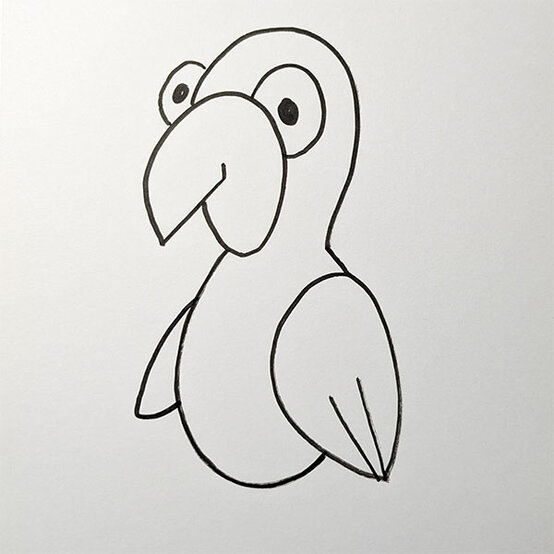
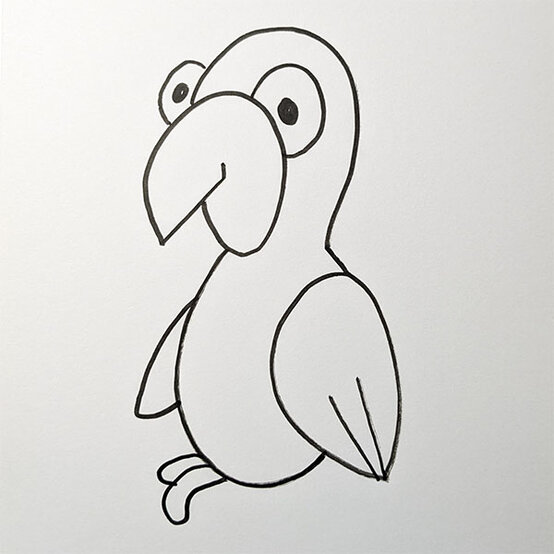
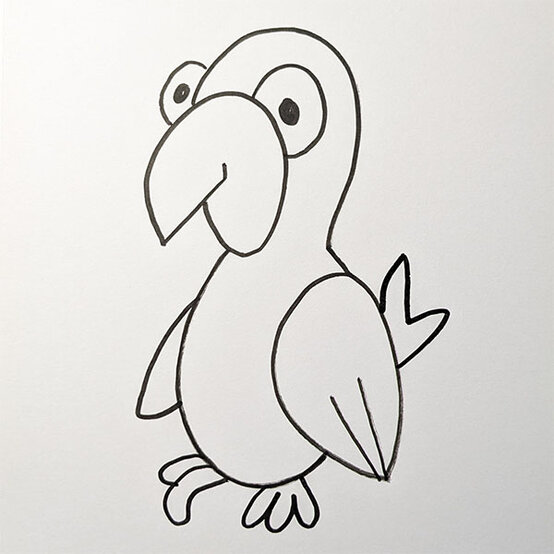
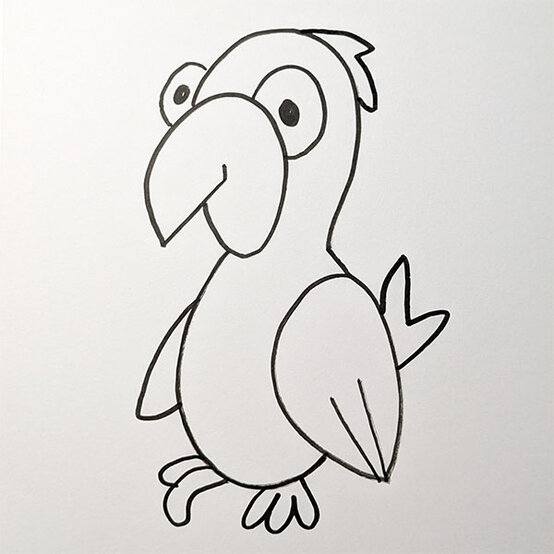
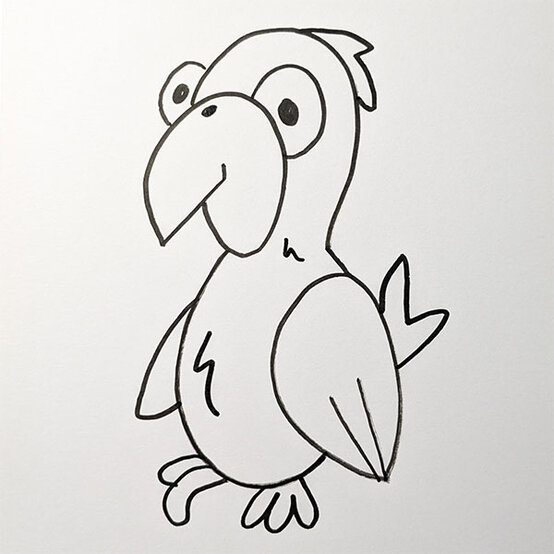
Finally draw in some jagged shapes on the body to add some feather detail.
Then, colour the parrot any colour of the rainbow!
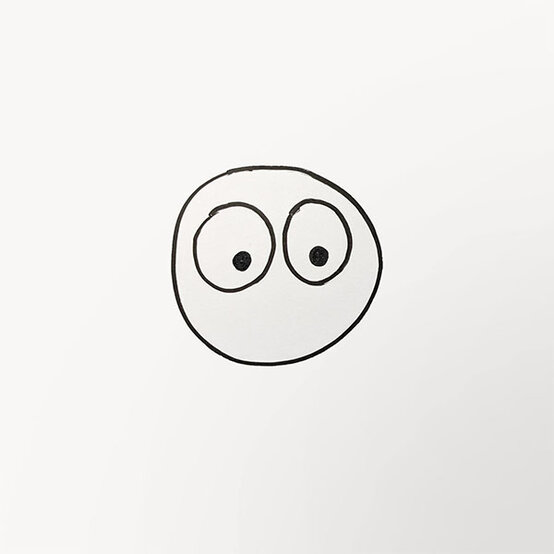
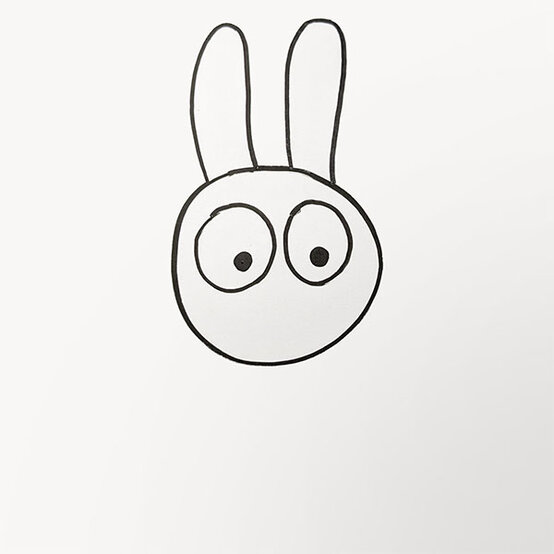
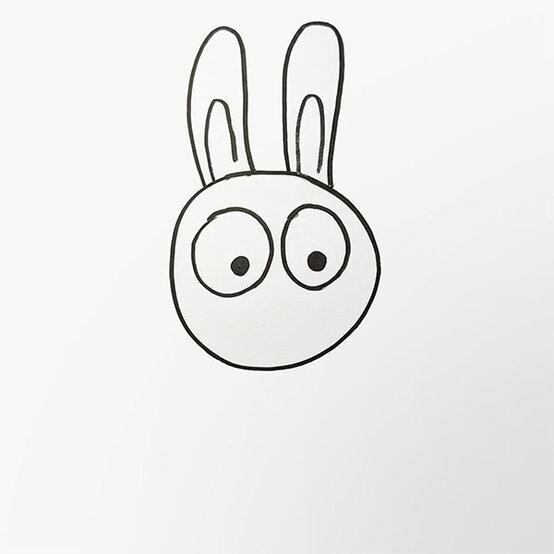
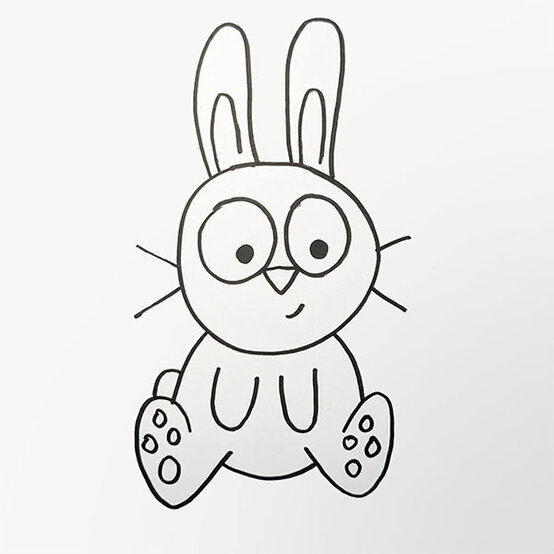
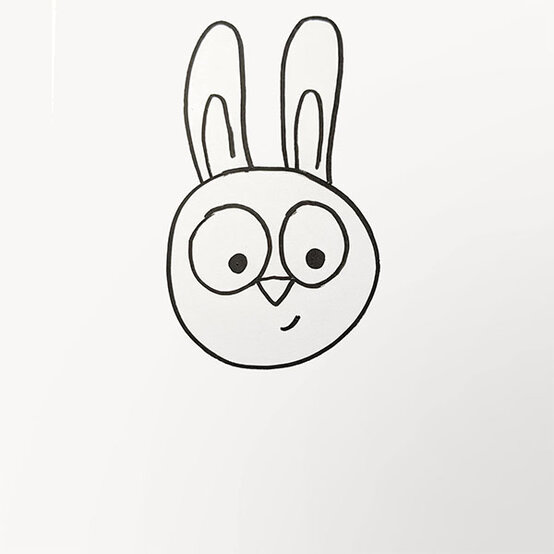
Next, draw an upside triangle connected to the two eyes to create the nose.
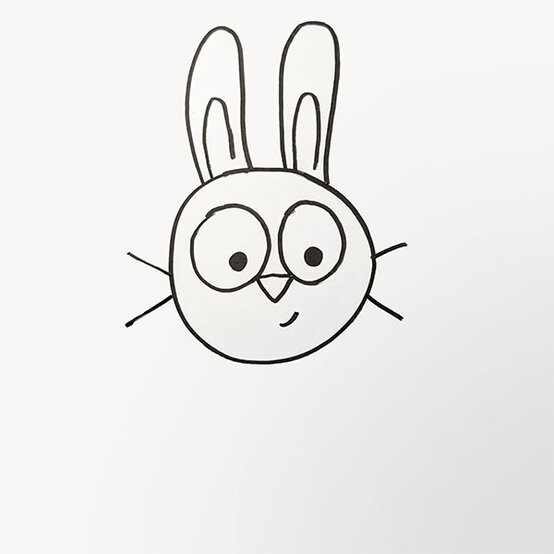
Add a small line for a mouth on one side and two lines each side of the face for whiskers.
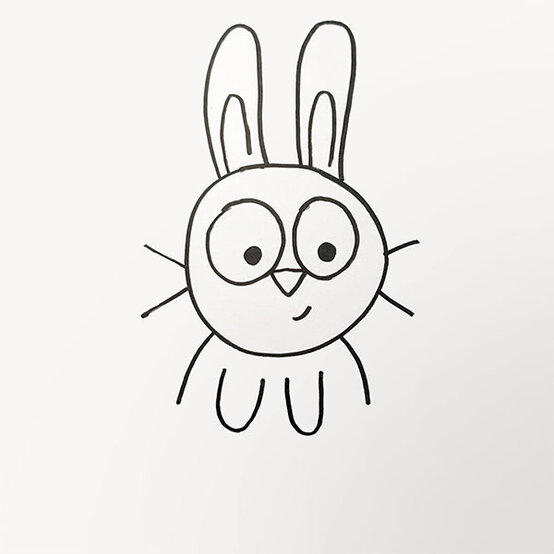
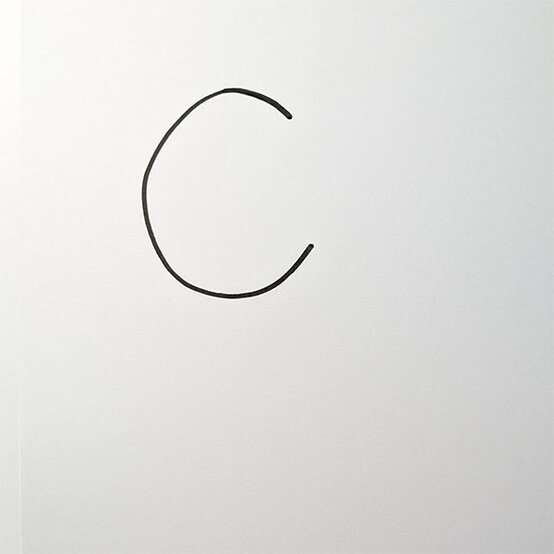
Firstly, draw a ‘C’ shape on the left side of the body and extend the line close to the rabbit’s paw.
Then, do the same in reverse on the opposite side creating the feet. Connect the feet with a curved line in the middle.
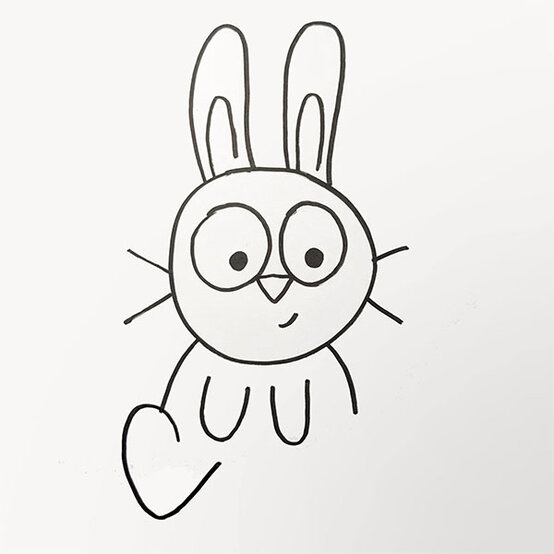
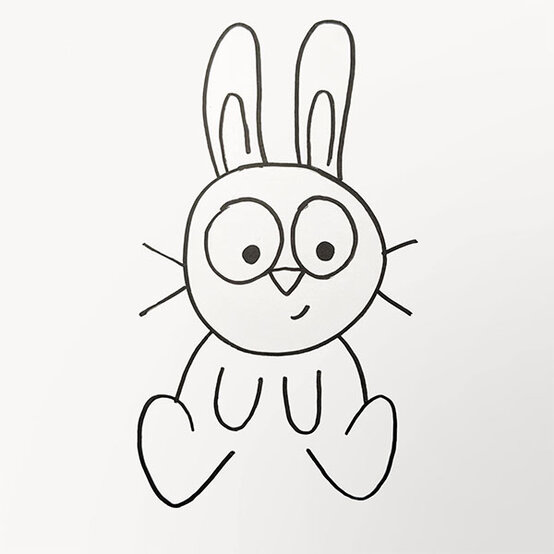
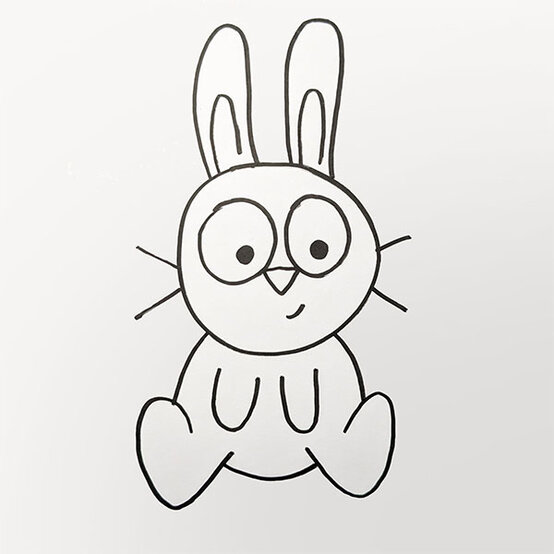
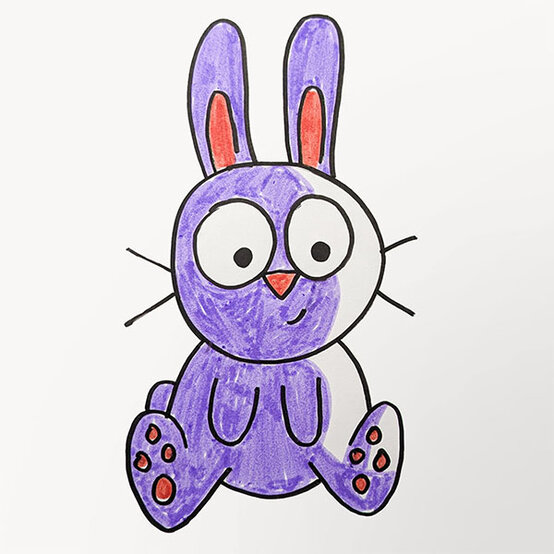
Add some circles to create the rabbit’s feet pads and then you can begin colouring in any colour you wish!
There you have your very own rabbit drawing!