
Cricut Explore
Take card making and personalised gifts to the next level with the Cricut Explore Air 2 or Cricut Explore 3 machines. These versatile digital cutting machines are the perfect investment if you want to create personalised wedding invitations, as well as being ideal for crafting custom vinyl designs and iron-on patterns for t-shirts and accessories.
Skip to Product Grid (Press Enter)

















Filters
- Digital Crafting Machines (1)
- Vinyl (82)
- Digital Crafting Mats (12)
- Tools (10)
- Digital Crafting Blades (7)
- Digital Crafting Accessories (9)
- Transfer Tape (7)
- View more
- Craft Blanks (8)
- Digital Crafting Blanks (5)
- Craft Knives (1)
- Transfer Sheets (8)
- Digital Crafting Pens (7)
- Heat Presses (3)
- Light Boxes (1)
Viewing 1 - 48 of 161 Products
Viewing 1 - 48 of 161 Products
You've viewed 48 of 161 products
Related Products


Cricut Black Fine Point Infusible Ink Pens 3 Pack
Is
£7.00
, was
£10.00
These Cricut Fine Point Infusible Ink Pens allow you to achieve permanent, pro-quality transfers onto Infusible Ink blanks. Use these fine point Cricut Infusible Ink Pens to draw designs using your Cricut smart cutting machine on plain laser copy paper ...
30% Off
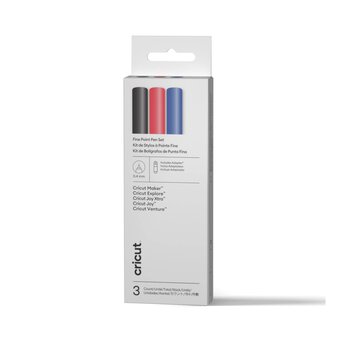
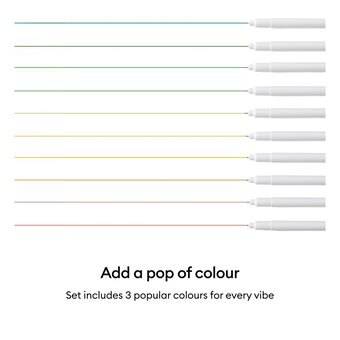
Cricut Assorted Fine Point Pens 3 Pack
Is
£6.30
, was
£9.00
Add a delicate touch to written or drawn projects, big or small, with these Cricut Fine Point Pens. Write and draw in various fonts and styles with tons of content in Design Space. The included adapter allows you to use ...
30% Off


Cricut Yellow Smart Iron-On 13 x 36 Inches
Is
£10.50
, was
£15.00
Create custom clothing and accessories with Cricut Smart Iron-On! Easy to transfer onto fabrics, this is perfect for adding personalised designs to t-shirts, denim jackets, backpacks and more. This material is designed to work without a cutting mat, so it'll ...
30% Off
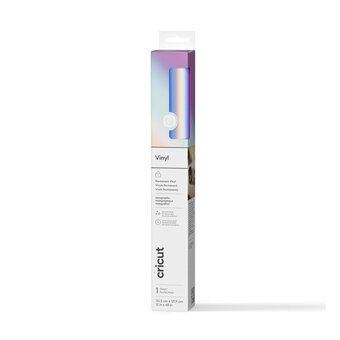
Cricut Opal Holographic Vinyl 12 x 48 Inches
Is
£7.70
, was
£11.00
Enjoy dazzling colour effects with Cricut Holographic Vinyl! With stunning shimmer and a multi-coloured finish, this vinyl is ideal for creating bold accents and embellishments for all kinds of decor pieces and accessories. Add unique designs to vases, car windows, ...
30% Off
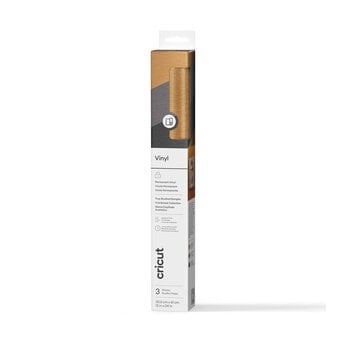
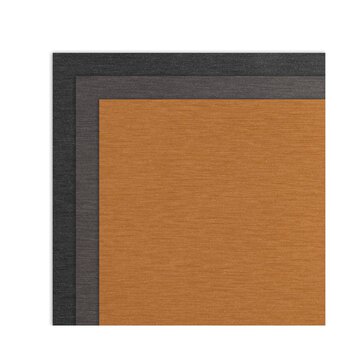
Cricut Classic Brushed Permanent Premium Vinyl 12 x 24 Inches 3 Pack
Is
£10.50
, was
£15.00
Make it classy and classic with Cricut Classic True Brushed Permanent Premium Vinyl. With fine stripes and an embossed texture, this vinyl adds depth and dimension to your projects with a light-changing effect. This lasting vinyl is the perfect material ...
30% Off
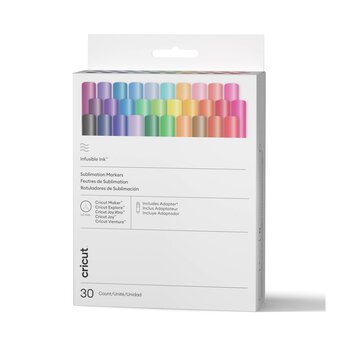
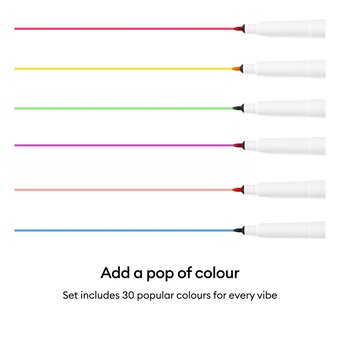
Cricut Infusible Ink Marker Set 30 Pack
Is
£38.50
, was
£55.00
This Cricut Infusible Ink Marker Set includes a beautiful spectrum of 30 colours! These pens allow you to achieve permanent, pro-quality transfers onto Infusible Ink blanks. Use these medium point Cricut Infusible Ink Markers to draw designs using your Cricut ...
30% Off
Oops...
Sorry, we did not find any products that match the
selected filters. You can go back to previous results to
select something different.