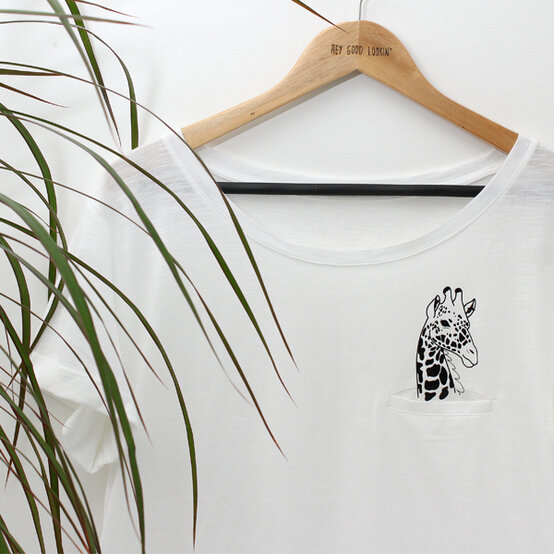
Your Cricut Explore Giraffe Pocket T-shirt
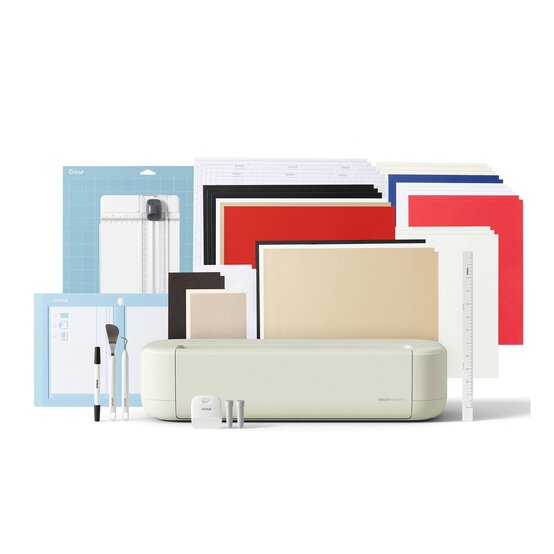
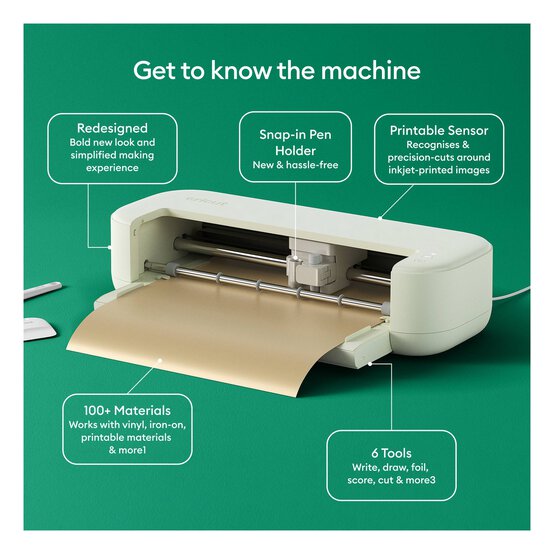
Creating your own bespoke T-shirts by adding iron-on details is easy using the Cricut Explore or Maker™ and the online software, Design Space™. This project uses an uploaded sketch to the Design Space, which is FREE for you to download below. One uploaded to your Design Space™ account, it's simply a case of formatting the image, resizing and cutting it from iron-on vinyl.
You will need
How to make
You will also need:
Adults T-shirt with Pocket Detail
Using a laptop/Mac/iPad/iPhone/Android device, log on to your Design Space™ account and make sure you are connected to your Cricut Explore™ / Maker™ machine. Open a new project. Select 'upload' and follow the on-screen prompts to upload, edit and save your chosen image.
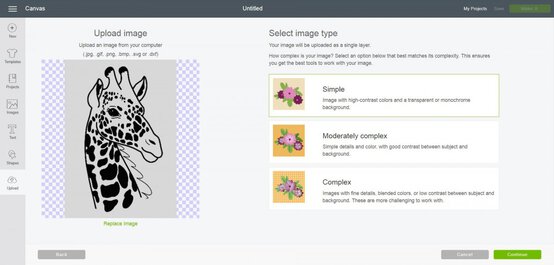
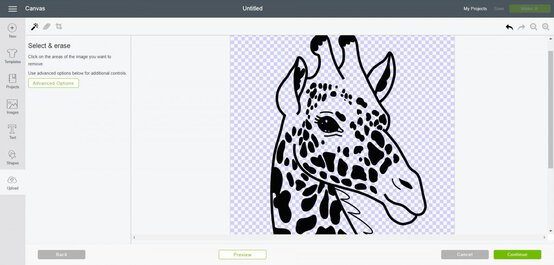
Resize the uploaded image to fit the T shirt.
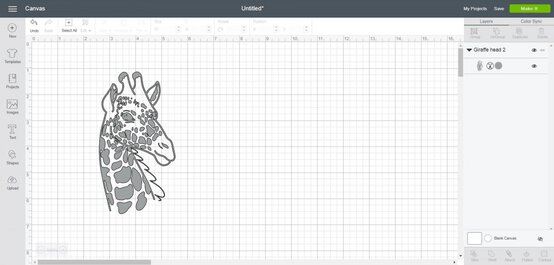
Cut the giraffe image from Iron-on Vinyl Lite Black, remembering to mirror image the image in the preview screen. Use the XL applicator tool to apply the iron-on vinyl lite to the cutting mat to ensure good contact.
Use the spatula tool to carefully lift the cut image from the cutting mat.
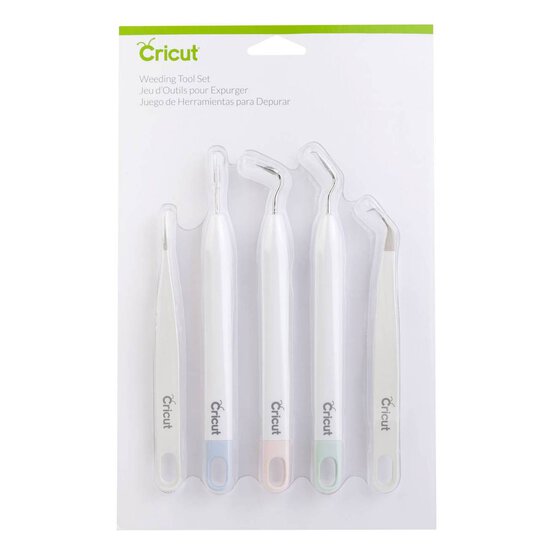
Remove the unwanted iron-on vinyl using a weeder tool and the Bright Pad™.
Use the Easy Press™ or an iron and press cloth to apply the image to the pre-washed T-shirt, following the instructions on the packaging and the Easy Press™ heat setting details located on the Cricut website.