

Save £50


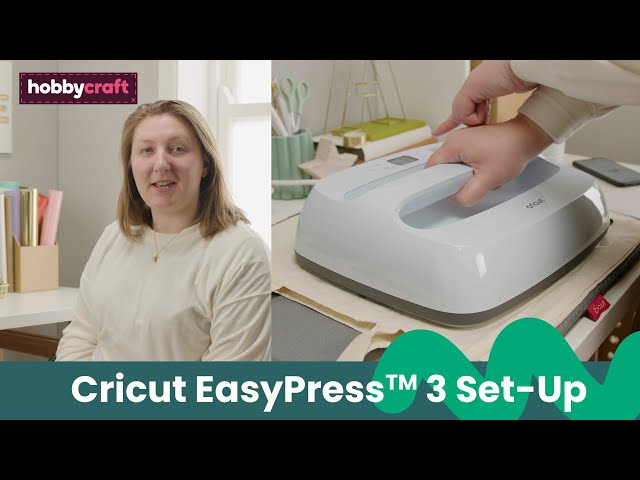


Cricut Large EasyPress 3 Heat Press 30cm x 25cm
Is
£129.00
, was
£179.00
Quantity
Cricut Large EasyPress 3 Heat Press 30cm x 25cm
Available for home delivery
Available for Click & Collect
.
Check stock in store.


Rated 2 out of
5
by
Stacey from
Broke after 2 months
Bought the machine in February and after only having it 2 months it’s broke and they need to send out a replacement
Date published: 2026-04-16
Rated 5 out of
5
by
S Rose F from
so much better than home iron
how did I manage before. I have been using a home iron and it is not always spot on wasted some vinyl due to inconsistent heat. This is so easy use the ap on phone sets heat and temp and just follow instructions. Not wasted any vinyl since.
Date published: 2022-07-22
Rated 4 out of
5
by
Della from
Bluetooth feature a nice touch!
Works well. Heats up quick and the Bluetooth is a handy tool. First easy press and find the bigger size heavy to use
Date published: 2025-06-18
Rated 5 out of
5
by
Flomum from
Well worth the money
This is so very easy to use. Using the Cricut heat app on my phone I simply state the material I'm using (eg glitter vinyl) and the surface that I'm applying it to. The app then asks me to tap an option to send the info to my heat press. The heat press then heats up to the appropriate temperature and beeps when its ready. It times how long you press for and, again, beeps when it has finished. So efficient and easy.
Date published: 2023-04-14
Rated 5 out of
5
by
8eth from
Best buy!
Absolutely love it! Impeccable, sleek, easy to use. Feels safe and looks great. Fast to use. Excellent!
Date published: 2023-01-10
Rated 4 out of
5
by
Paul Loseby from
I do like it - I just wish they would make the app
I’ve had the Easypress 3 for about a month now and have been very happy with the results. What I am not happy with, is the Cricut Heat app that you use from your iPhone or iPad, to create the settings for the sublimination. I’ll explain:
You click to ‘Start New Project’ and you then set ‘Transfer Material’. The problem is that this is confusing as there are so many options and they don’t seem to show what you want. If I want 100% polyester or Neoprene, where do I find it? You go through the various options and the materials are there under a number of different headings (and settings) so which one do you use?
I know I am getting on for 80 but I am ‘switched on’, and I’m sure this could have been made simpler. And, everywhere you look on the internet, they seem to give you different settings.
As for the Easypress 3, I do like it - I just wish Cricut would make the app easier to understand.
Date published: 2026-03-10
Rated 5 out of
5
by
Liabela from
Must have Heat Press
This is my first time using a heat press after being unsuccessful with an iron (more down to my paper) and if you're looking for something user-friendly, suitable for all crafting experience and that works, look no further.
The app to use it is simple and helpful and it does the job. A must have for anyone printing totes, t-shirts and the like
Date published: 2025-10-28
Rated 5 out of
5
by
iDeg from
Lovely item for my projects
Great for me , working perfect with the cricut heat app .
Date published: 2022-10-27


