Get Started In Cricut Joy
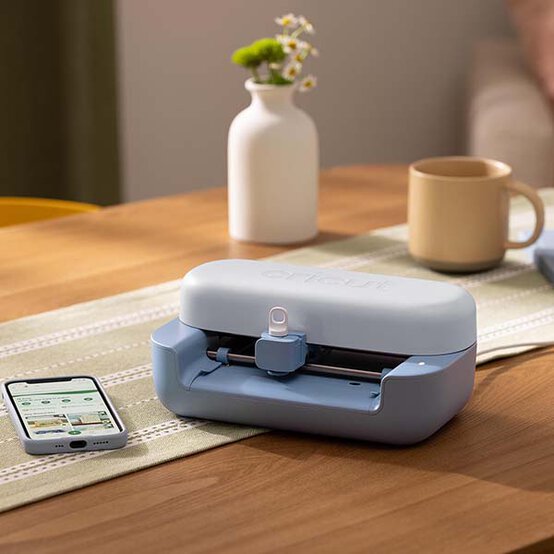
The perfect companion to everyday crafting, the Cricut Joy 2 is an ultra-compact machine that is perfect for quick, everyday personalisation projects – from card-making to unique labels, home decor, custom clothing and so much more!
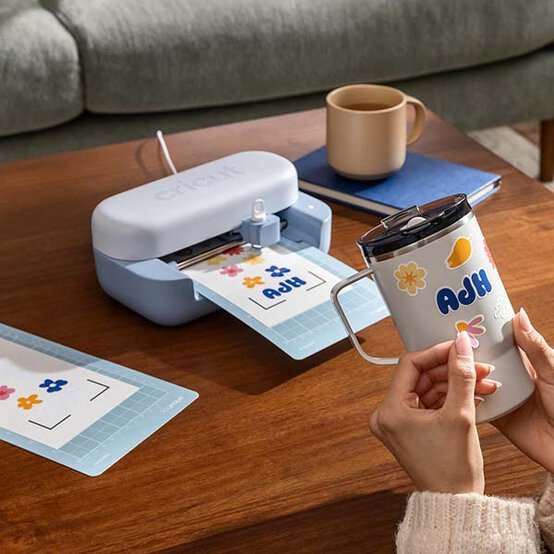
The second-generation model also works alongside your inkjet printer to create full-colour stickers.
Not sure where to start with your Cricut Joy machine? Why not get started by booking yourself onto one of our workshops!
Tool Guide
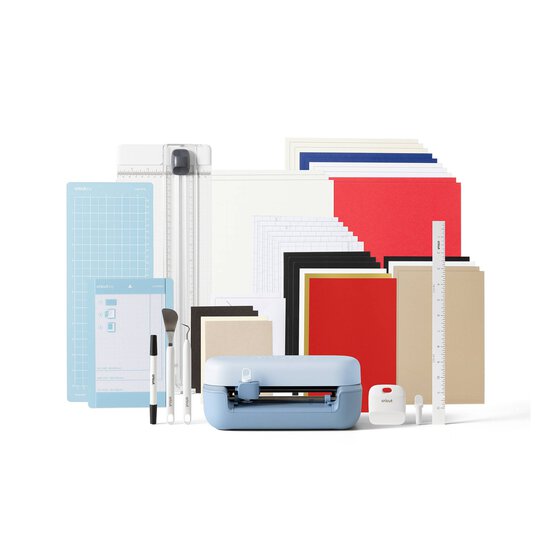




Get Started In Cricut Joy
Included in Purchase:
Cricut Joy 2 Machine
Premium Fine Point Cutting Tool
Scoring Tool
Black Dual-Sided Marker
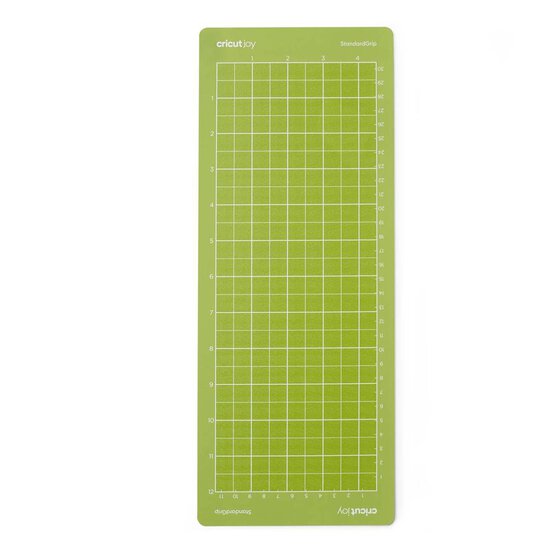
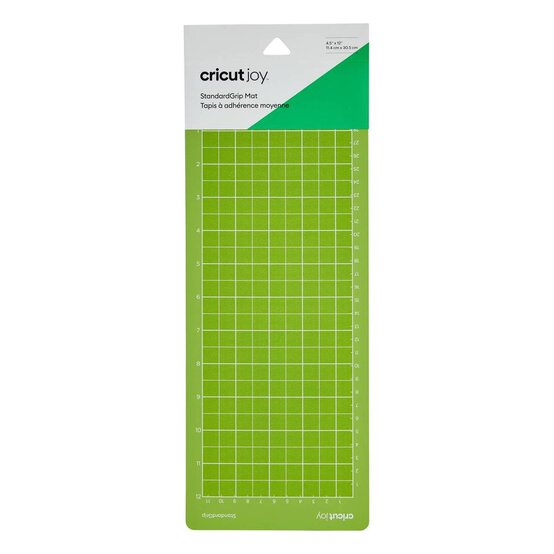
Light Grip Machine Mat (4.5 x 6.5 inches)
USB Cable
Power Adapter
Cricut Card Mat (5.5 x 8.25 inches)
Portable Trimmer
Weeder, Scraper and Spatula
Paper Ruler (12 inches)
Materials for Up To 35 Starter Projects
You Will Also Need:
A Compatible Computer or Mobile Device
High-Speed Internet Connection
Machine Features:
Size: 13.8 x 23.1 x 7cm (5.4 x 9.1 x 2.8 inches)
Maximum cutting width: 11.4cm (4.5 inches)
0.91kg
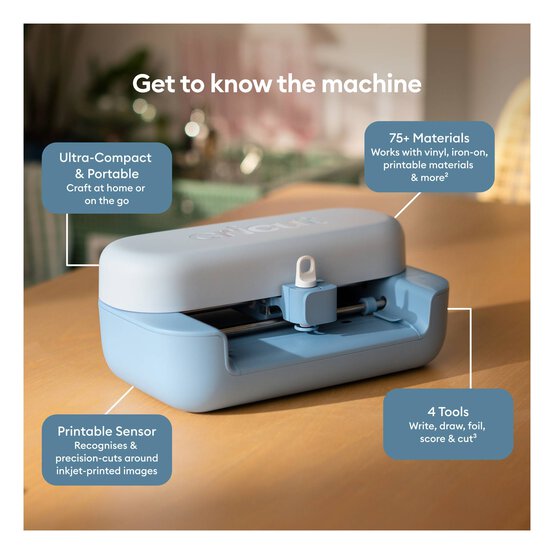
Ultra-compact and portable
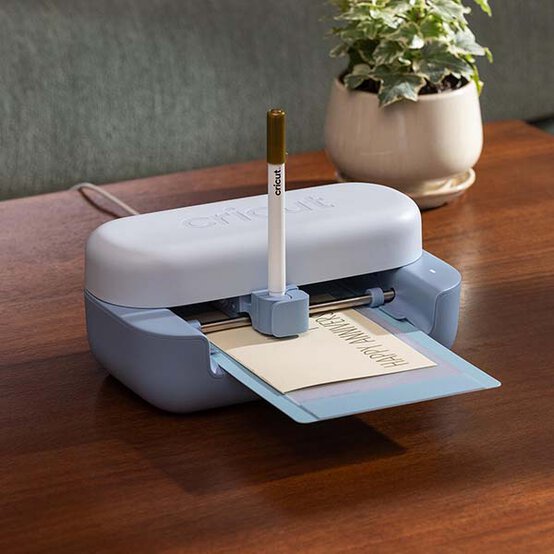
Use to cut, write, draw, foil and score
Precision-cuts over 75 materials
Print and cut by using your inkjet printer
No design experience required
Compatible with Smart Materials
Use with Design Space app on your mobile or desktop device
Create with free access to over 3,000 images, 100 fonts and 1000 projects
Bluetooth wireless technology
Cricut manufacturer's warranty
Makes up to 35 projects with materials included
Perfect for smaller, everyday projects
* FREE Next Day Delivery over £200 or 1 hour Click & Collect depending on store stock availability
* Money-saving machine and accessory bundles
* Broad range of blanks and bases, as well as compatible Hobbycraft materials and accessories
* Online workshops and demos
* FREE help and advice available online via our Customer Services team, Instagram account and Youtube channel
* 100s of FREE projects available on the Ideas Hub

The Cricut Joy 2 can be used with over 75 materials, including vinyl, iron-on, cardstock and printable materials, plus it can be used to write, draw, foil and score. Create custom decals, personalised apparel, next-level papercrafts, stickers, and so much more.
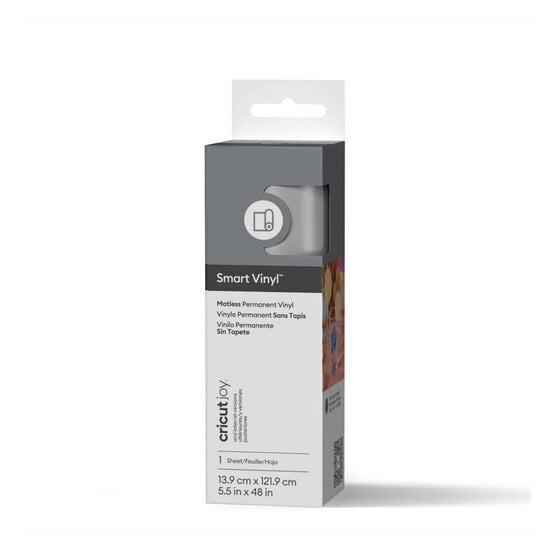
With Cricut Smart Materials, you won't even need to use a cutting mat as you work.
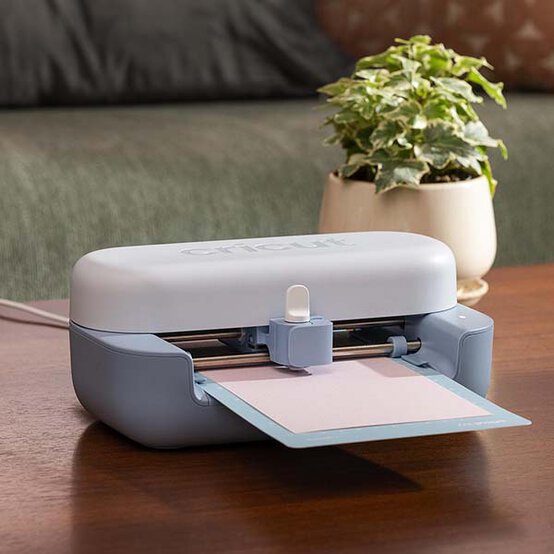
The compact, portable size of the machine makes this great for everyday projects. There are plenty of projects that will take 15 minutes or less.
Quick to pack away and quick to set up, it'll easily fit anywhere in your home!
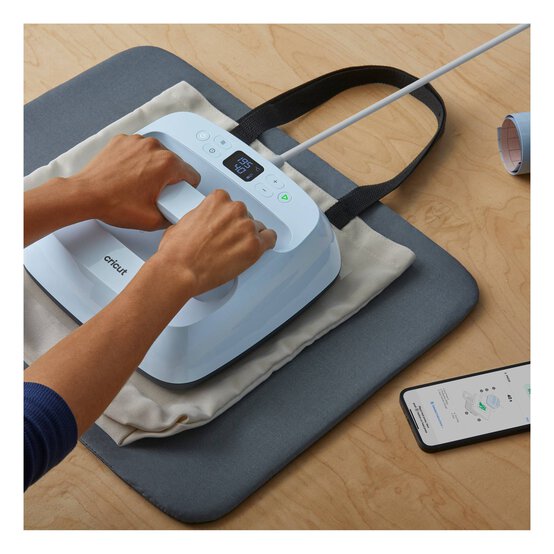
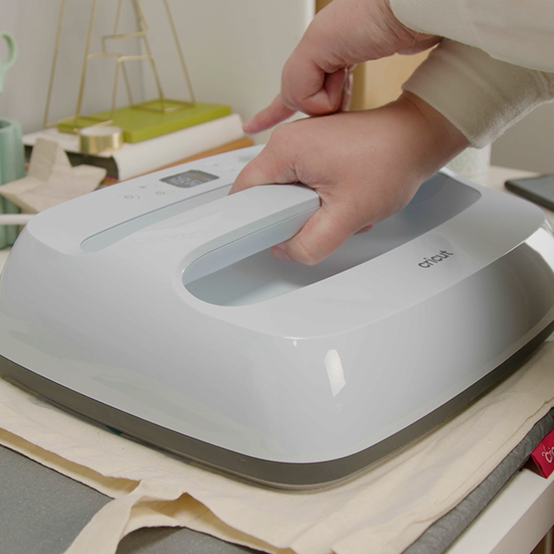
Cricut Easypress 3: Iron-on transfers are made super-simple! Achieve amazing results in 60 seconds or less thanks to the consistent heat of the base plate, giving a finish that will last wash after wash.
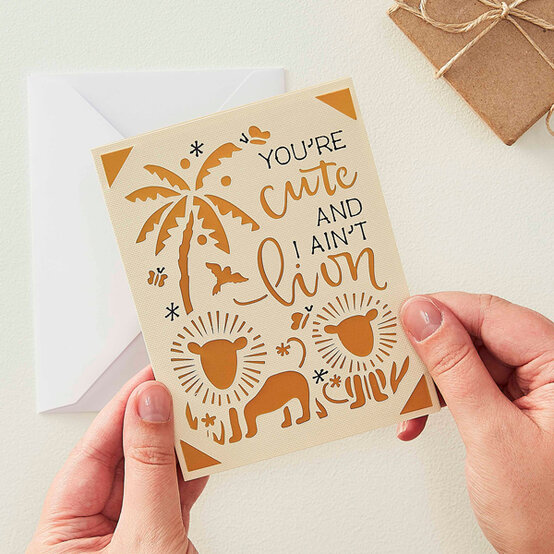
Cricut Joy: How to Make a Lion Aperture Card
With the amazing Cricut Joy Card Mat, you can whip up quick cards that look stunning in no time and spread a little Joy!
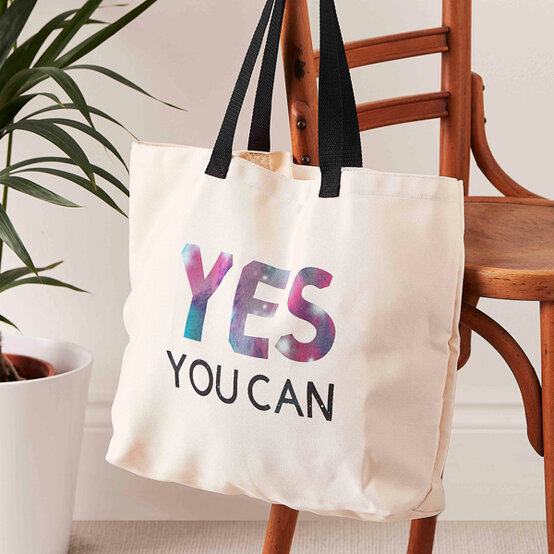
Cricut Joy: How to Make an Infusible Ink Tote Bag
With the aid of the Cricut Joy and Cricut Easy Press, create a wonderful bespoke bag with Infusible Ink sheets!
Cricut Joy: How to Make a Customised Notebook
Creating customised stationery for your nearest and dearest is now easier than ever with the Cricut Joy and Smart vinyl!

Q - How does the Cricut Joy 2 compare to the original Cricut Joy?
With a new aesthetic design that is 1lb lighter, this updated model of the Cricut Joy can be used with your inkjet printer to help you create full-colour stickers. This Cricut cutting machine automatically recognises and precision-cuts around inkjet-printed images to create full-colour stickers, decals, apparel and more.
The Cricut Joy 2 has the functionality for scoring, previously not an option with the original Cricut Joy. It also allows you to auto load and go, and it comes with materials and tools to make up to 35 projects, based on an average project size of 4.5” x 6”.
Q - How is the Cricut Joy series different from the Cricut Explore or Cricut Maker?
The Cricut Joy 2 is a more compact, portable alternative to the Cricut Explore and Maker machines. Designed for smaller, everyday projects like custom cards, simple decals, labels and stickers, the cutting width is 4.5 inches.
Q - What blades are compatible with this machine?
The only blade that can be used with the Cricut Joy is the Cricut Joy Blade, an all-purpose blade included with the machine. It also comes with blade housing. This machine is not compatible with Cricut QuickSwap blades, or any other Cricut blades. The Cricut Joy Blade is easily available for when you require a replacement blade. Blade replacement depends on how much you use your Cricut machine and which materials you choose.
Q - What materials can I cut with this machine?
The Cricut Joy cuts materials up to 4.5 inches wide.
There are over 75 materials that can be used with the machine, including popular materials like vinyl, iron-on, printable materials, cardstock, adhesive foil, deluxe paper, chalkboard vinyl, sticker paper, corrugated cardboard, copy paper, paper thin faux leather, flat cardboard, foil paper, Infusible Ink transfer sheets and window cling.
Q - What is Design Space and how much does it cost to use?
Design Space is free to use for your own designs. You can also access a selection of free designs in the library. For unlimited use of the Cricut library on Design Space, there is a subscription for £7.49 a month. You can also purchase per image if you wish to access a particular design.