How to Create a Family Tree in Pebbles
This adorable pebble tree would make a fantastic gift for a family member or a close friend! Decorate a pebble for each person you want to represent and choose a funky paper for your background!
Follow the step-by-step instructions below to find out how to make this cute creation!
This post was created by MamanDIY.
You will need





How To Make
You Will Need
* Pebbles
* Canvas or a Rigid Board
* Decorative Paper
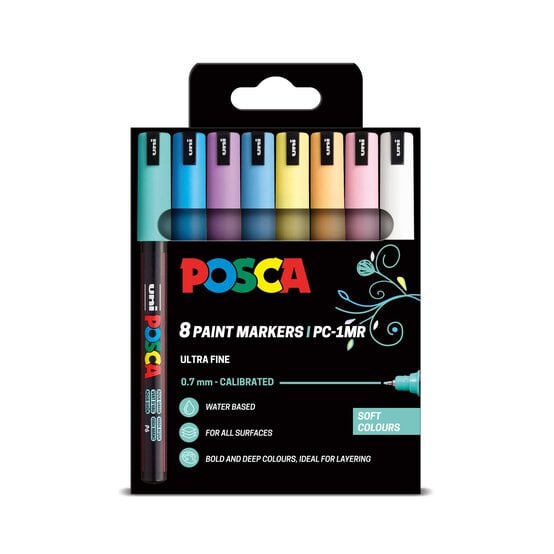
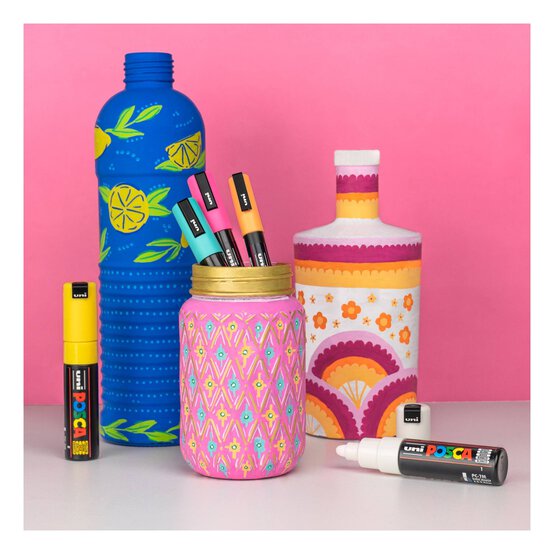
* Dual Tip Brush Markers or Posca Pens
* Sticky Labels
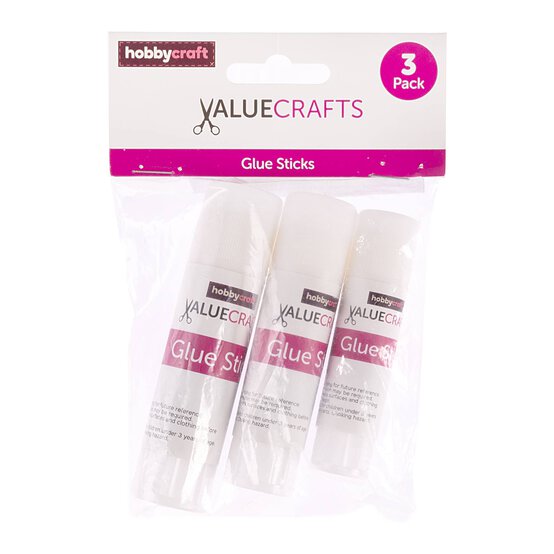
* Glue Stick
* Scissors
* Superglue
Note: Superglue is not suitable for use by children, please ask an adult to help.
Start by covering your rigid board or canvas with the decorative paper.

Using the marker pens, create portraits of your family members on the pebbles.

Draw the silhouette of the tree on the decorative paper and make a test placement of the pebbles.

When you're happy with placement, use superglue to stick your pebbles down in the right places.
Note: Superglue is not suitable for use by children, please ask an adult to help.

Cut and stick the small labels below each pebble to name your family members, or you can write directly onto the decorative paper using a marker pen.
Use marker pens to decorate the spaces around the tree, or leave it blank.
Your pebble tree is now complete!


