How to Make a Santa Die-cut Card
Are you always left with parts of die-cuts after completing a project? Make sure to keep hold of these as they can often be used to create a completely new design! Find out more in the how-to guide below…
You will need


How to make
Lightly pencil a circle onto a piece of white card using the aperture card as a guide. Cut around this circle, making it around 1cm larger than the pencil line. Erase the pencil marks.

Use Blueprint Sketch and Black Soot Distress Ink pads and a Blending Tool to ink a night sky onto this circle. Glue to the back fold of the aperture card, using the aperture as a guide for placement.

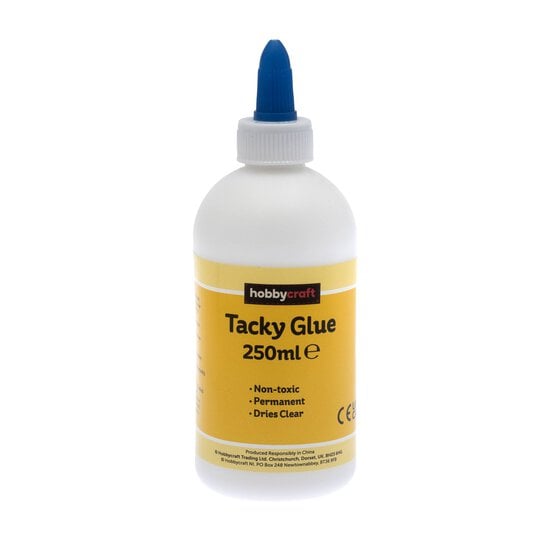
Cut out a piece of acetate to fit inside the card front, secure in place with clear drying glue, such as tacky glue.

Die cut Santa's Sleigh three times from black cardstock, then three times from white glitter cardstock.

Snip just the houses and rooftops from one black die cut and add to the inked inside circle using a glue pen. Add some falling snow with a white pen. Snip a moon out of a white glitter die-cut and adhere over the black moon.

Add the complete black circle die-cut to the acetate. Die cut another moon from white glitter cardstock, then attach with a foam pad over the black moon.
Stamp a Christmas greeting in black ink to the centre bottom of the card.

You'll find that you have a few die-cuts leftover from creating the aperture card. These can be put to go use on another card, simply cover the front of a 5 x 5″ white card blank » with paper from the 6 x 6″ Let it Snow Paper Pack ». Using a glue pen, add the remaining complete white glitter die-cut to the centre front of the card blank.
Cut out the moon, and reapply to the card with a couple of foam pads. Snip out just the sleigh and reindeer from the black die-cut and adhere this over the glitter base.
Add a stamped greeting to the bottom of the card and your second card is complete


