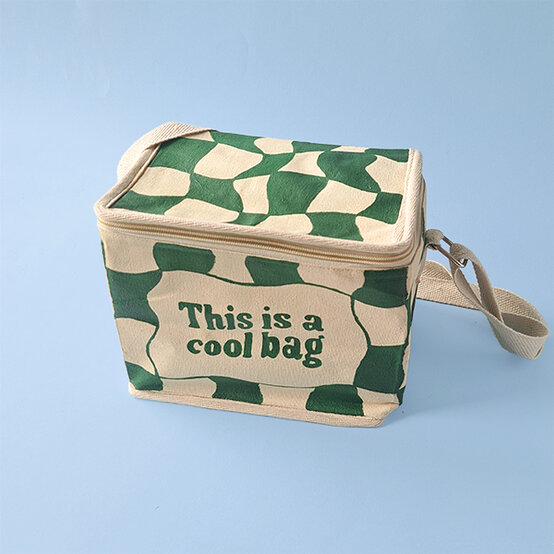
How to Paint Your Own Cooler Bag
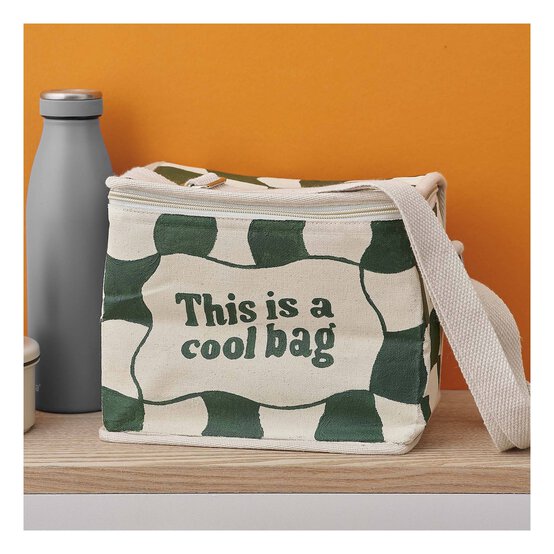
Stay cool this summer with your very own cooler bag design. Using bold fabric paint, it’s so easy to transform a blank cooler bag with this simple pattern design. You can even customise it with your own text!
With just a couple of paint colours, you’ll be able to transform a blank canvas into a summer-ready bag that’s perfect for picnics, beach days and more.
You will need




How To Make
You Will Need
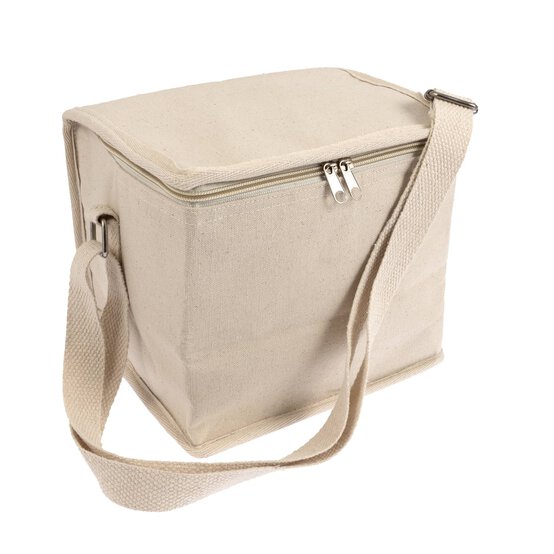
* Fabric Cooler Bag
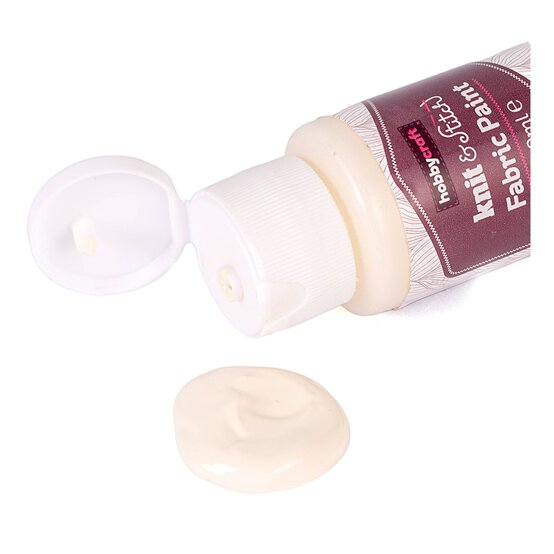
* Fabric Paints - Green, Taffy
* Paint Palette
* Paintbrushes
* Printed Template of Desired Text
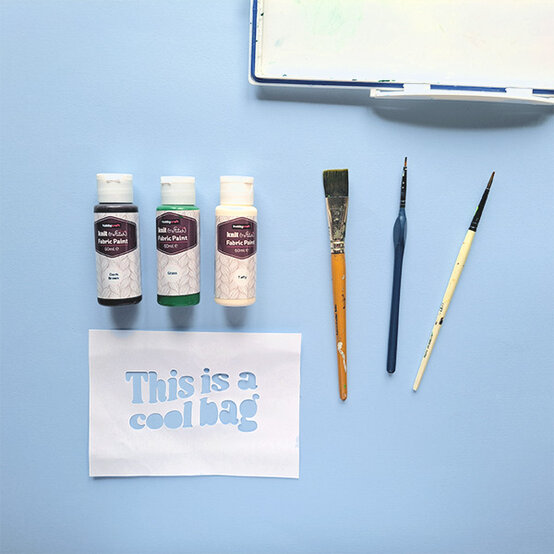
Gather your materials. You'll need fabric paint, a palette, paint brushes and a template for your text. After you print your template, cut out the text to create a stencil you can draw through.
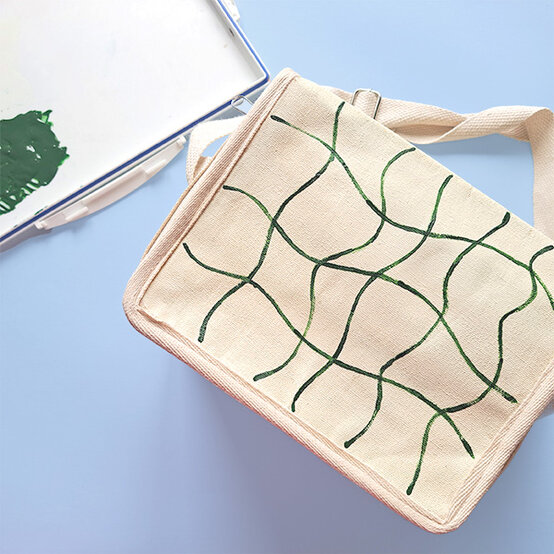
Start by painting wavy lines across the surface of the bag to create a grid. (Placing something solid in the bag, like books, can help make an easier surface to paint onto).
It can be easier to apply the paint by mixing in a small amount of water, as this allows the paint to flow easier. It will make the paint less opaque though, so a second later of paint will be needed.
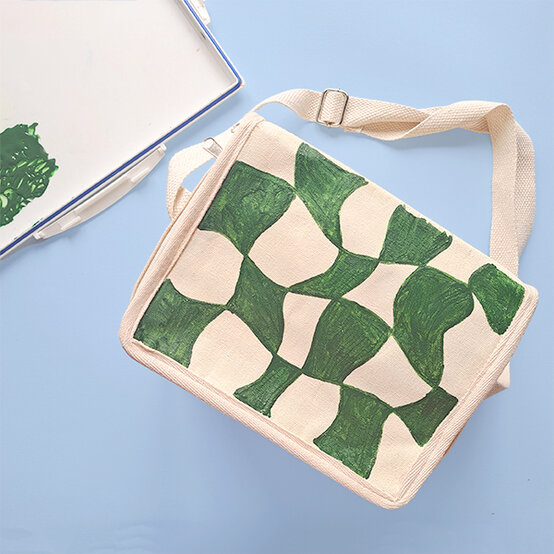
Fill in alternative squares to create the pattern.
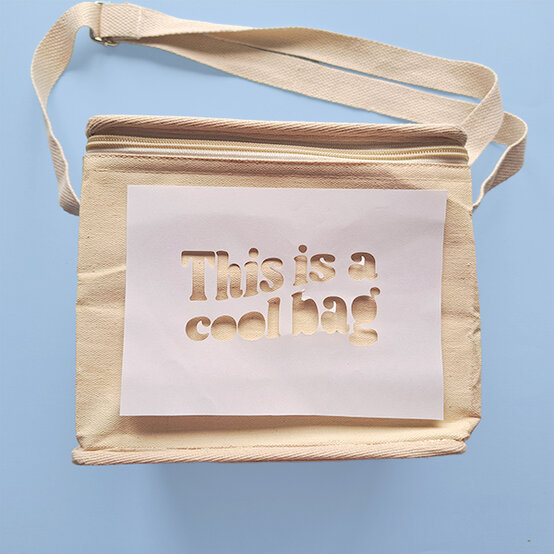
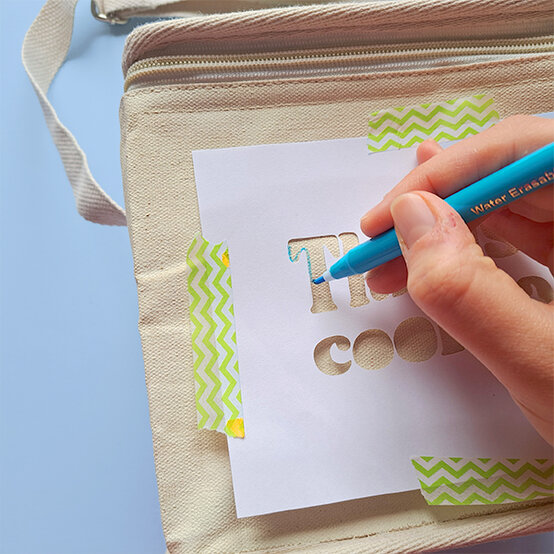
Using the template provided, or making your own, position it in the centre of the bag and tape in place.
Draw around each letter using a pencil or fabric pen then start filling it in with the paint.
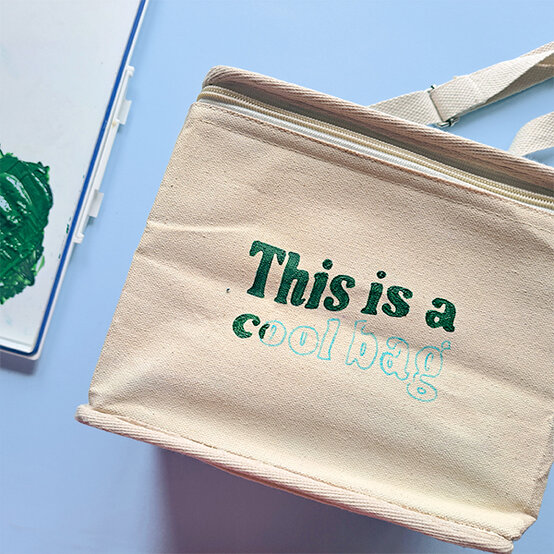
To finish the front of the bag, paint a wavy border around the text and then split it into boxes. Then fill in each alternative square.
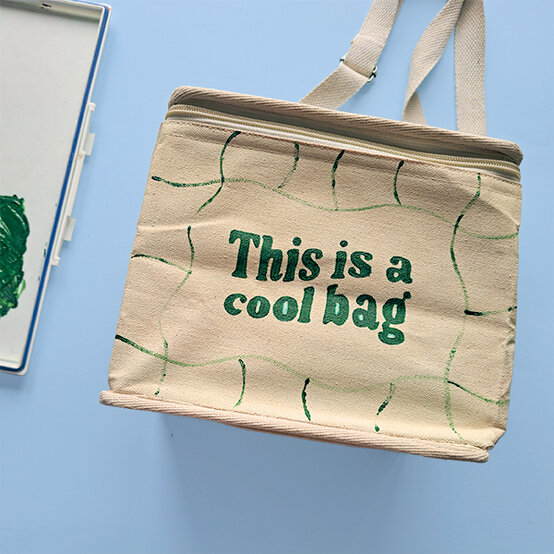
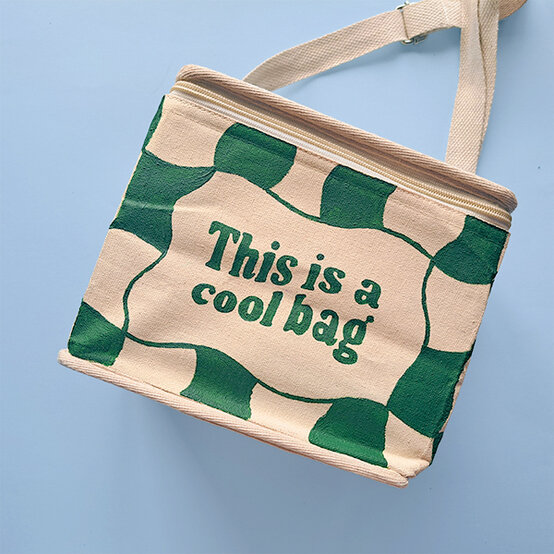
Continue the design around all surfaces of the bag.
When dry, apply a second layer of paint to all sides of the bag to make the colour solid.
Your cooler bag is now complete!