Skip to Content (Press Enter) Skip to Footer (Press Enter)

Your Cricut Explore Concertina House Card

Level
Beginner
Time
1 hour
Budget
10 - 30

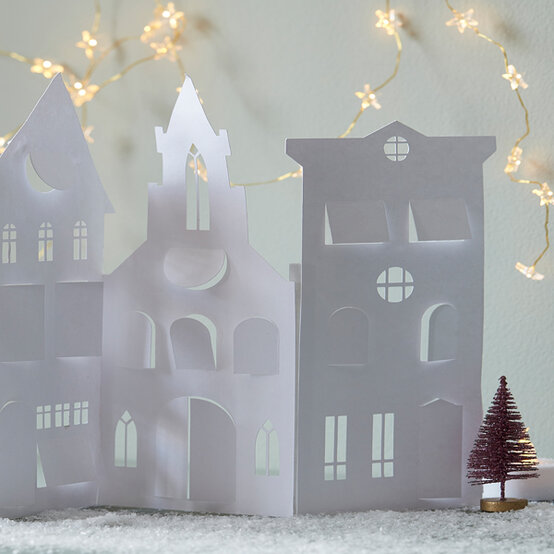
As well as making a great Christmas card, this concertina house papercut scene would also create a stunning luminary, simply place on your mantle piece or shelf with a few LED tealights behind it and the jobs a good 'un.

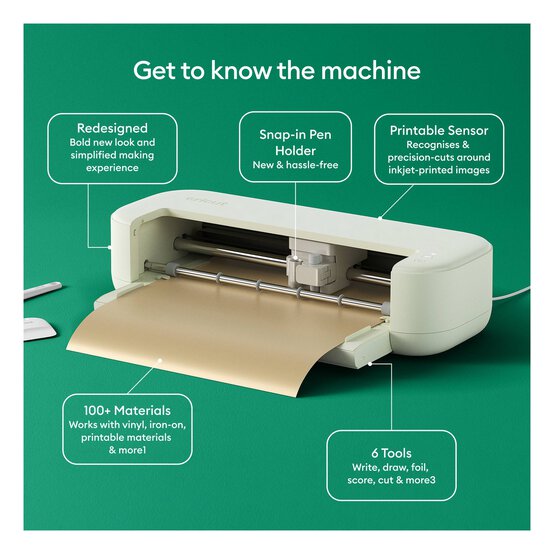
The buildings can be easily changed to mimic your own street, simply use the Hide Contour Tool within Design Space™ – the online software used in conjunction with your Cricut Explore or Maker to create the project.

You will need
2 products

Viewing 2 of 2 products

Is $ 21.00

Quantity: 1

Is $ 510.00 , was $ 583.00

Quantity: 1

How to make

Step-1
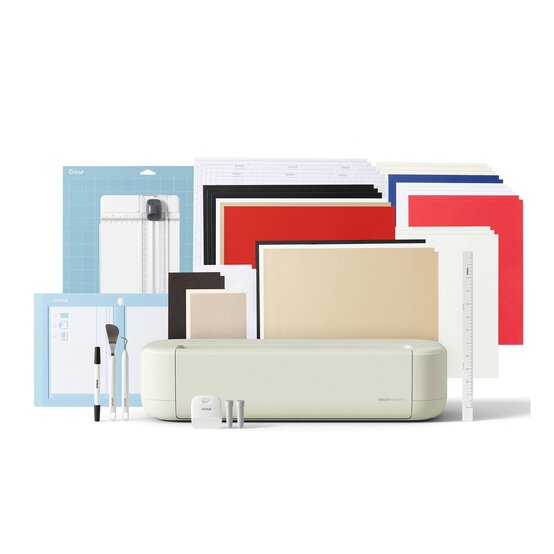
Using a laptop/Mac/iPad/iPhone/Android device, log on to your Design Spaceâ„¢ account and make sure you are connected to your Explore Airâ„¢/Air 2â„¢/Makerâ„¢ machine. Open a new project. Search for 'Village' within the image library and select the 'town' image.
conertina-house-card-step-one.jpg?sw=554&q=85
Step-2
Resize the image as desired. 
Step-3
Change the colour of the buildings with windows so that they are all the same: white. Change the colour of the background buildings as desired according to the vellum colours being used.
Step-4
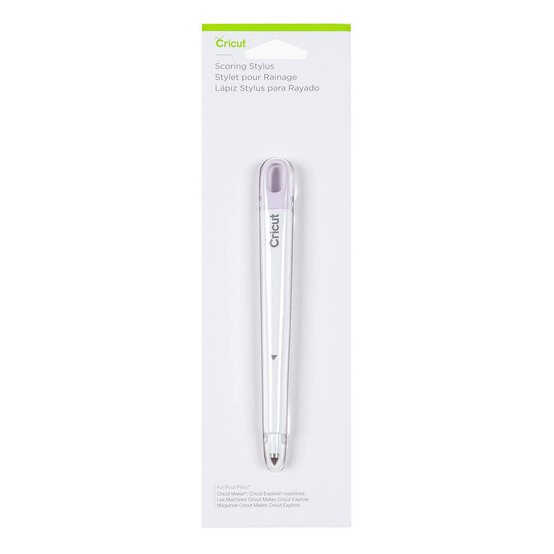
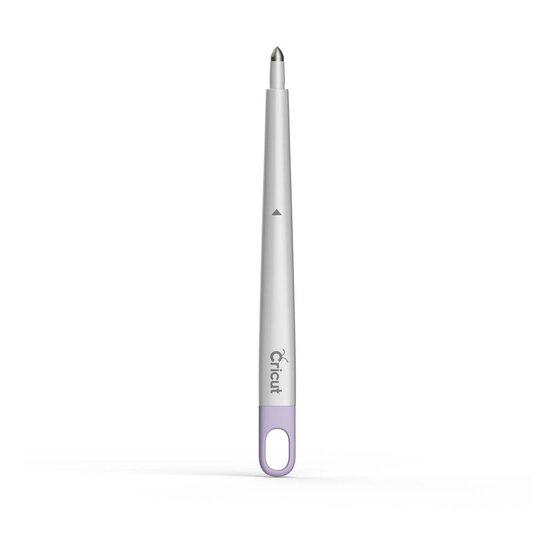
Cut the buildings from white cardstock trimmed to 12 x 12″, inserting the scoring stylus into the accessory port A when prompted.
Step-5
Carefully remove each cut image from the cutting mat. Use the silicon side of the scraper tool to carefully crease the buildings' tab.
Step-6
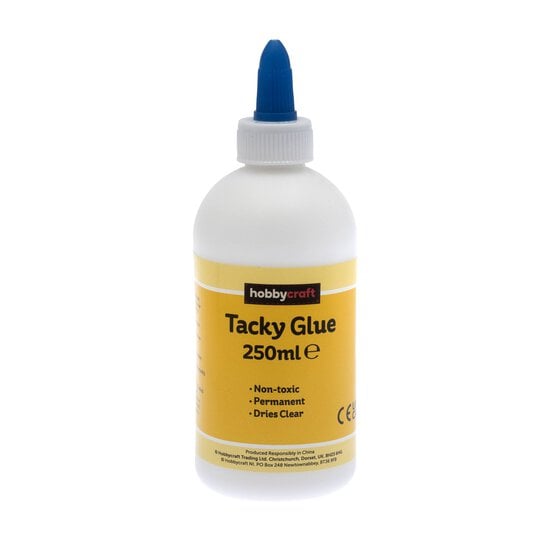
Glue the buildings together, cutting away the tab from the one at the right end of the line with scissors. Allow to dry before bending the building line.
cricut-house-card.jpg?sw=554&q=85
  • bvseo_sdk, dw_cartridge, 18.2.0, p_sdk_3.2.0
  • CLOUD, getReviews, 4ms
  • reviews, product
  • bvseo-msg: Unsuccessful GET. status = 'ERROR', msg = 'Not Found.'; Unsuccessful GET. status = 'ERROR', msg = 'Not Found.';
  • bvseo_sdk, dw_cartridge, 18.2.0, p_sdk_3.2.0
  • CLOUD, getContent, 4ms
  • questions, product
  • bvseo-msg: Unsuccessful GET. status = 'ERROR', msg = 'Not Found.';

Related Products

Related Categories

Top