Cricut: How to Make a Personalised Baking Hamper
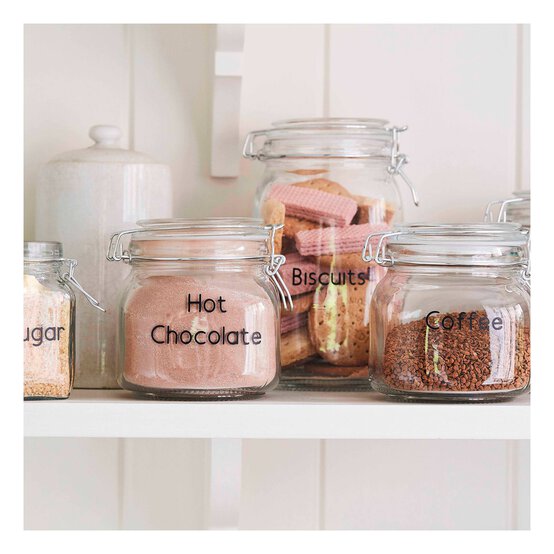
This personalised hamper is the ideal gift for aspiring bakers! It's decorated with a basswood sign and filled with customised jars to store all the essentials, as well as a matching recipe box. A monogram mug and personalised apron finish everything off perfectly.
All of the projects can be made on the Cricut Maker, Explore or Joy, except for the basswood sign, which must be made with the Cricut Maker.
Project and instructions by Mike Aspinall from The Crafty Gentleman
Please note: This project contains paid-for content from Cricut's Design Space app. Screen reference images are taken from the desktop version of Design Space.
You will need







How To Make
You Will Need
* Cricut Machine
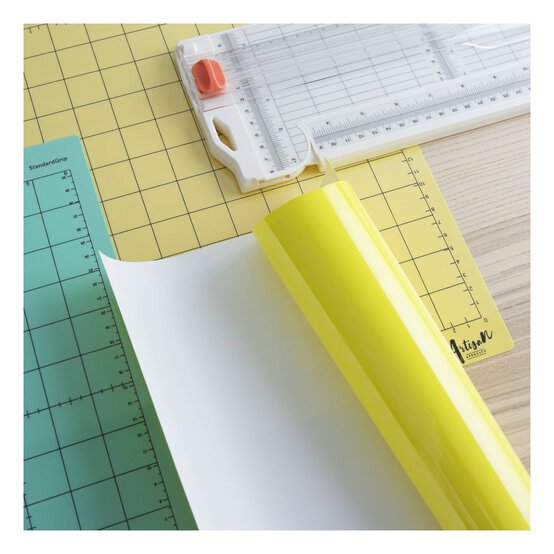
* Cricut Cutting Mats
* Cricut Basic Tools
* Cricut Permanent Vinyl
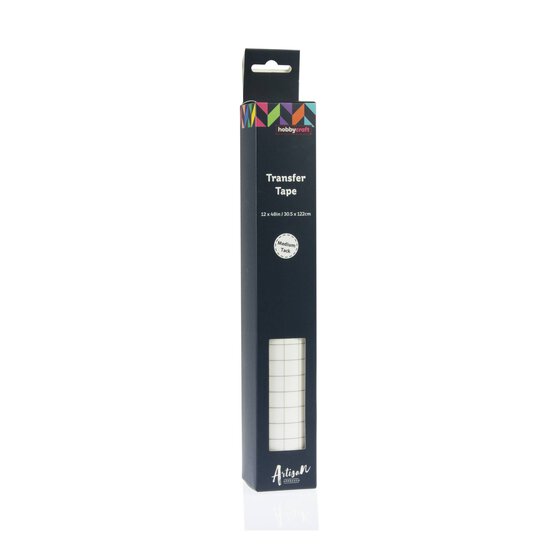
* Transfer Tape
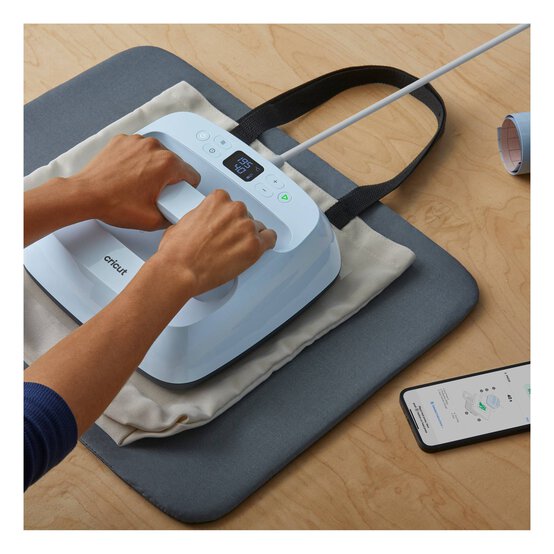
* EasyPress Heat Press
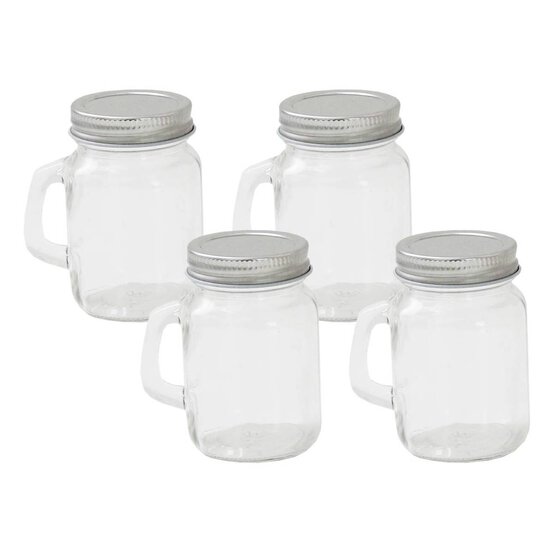
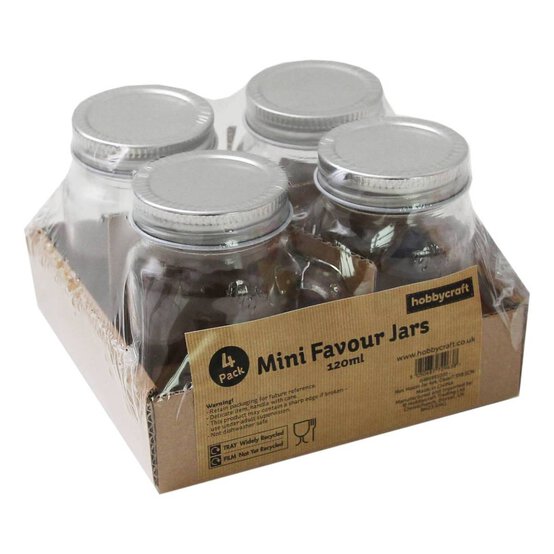
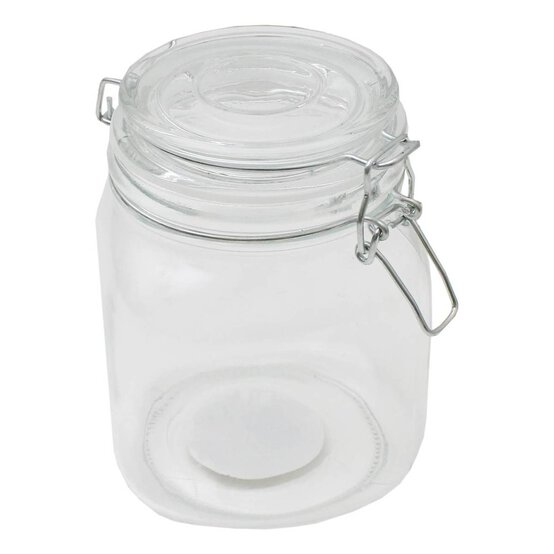
* Glass Jars
* Enamel Mug
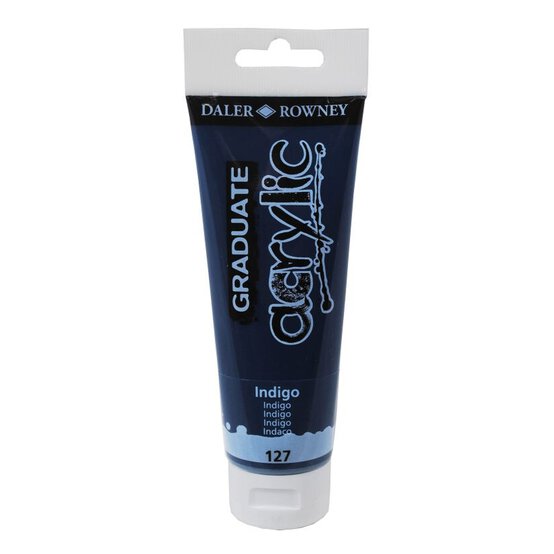
* Acrylic Paints
* Cricut Design Space app installed on your Mac, PC or laptop
Open the Cricut Design Space app and start a new project, open the “Text' menu from the toolbar at the bottom of the screen. Search “Quirky script” in the search bar. Select the “Quirky script” font.


Open the Cricut Design Space app and start a new project. Open the 'images' menu and search for '#M136D279F' and add it to the canvas by clicking the green "Insert" button.


Open the Cricut Design Space app and start a new project. Open the “Text' menu from the toolbar. Search “Quirky script” in the search bar. Select the “Quirky script” font.


Open the Cricut Design Space app and start a new project. Open the “Text' menu from the toolbar. Search “Ocean sans brook” in the search bar. Select the “Ocean sans brook” font.


